Bank reconciliation software is the tool that matches your bank and credit card transactions against your accounting ledger, so every deposit, payment and fee lines up automatically. For small business owners and accounting firms, manual reconciliation in spreadsheets still eats hours every month and leaves room for costly errors. This guide explains what bank reconciliation software actually does, which features matter most, and how a connected system like AccountingWise closes the loop between live bank feeds and your books. By the end, you will know exactly what to look for before you commit to a plan.
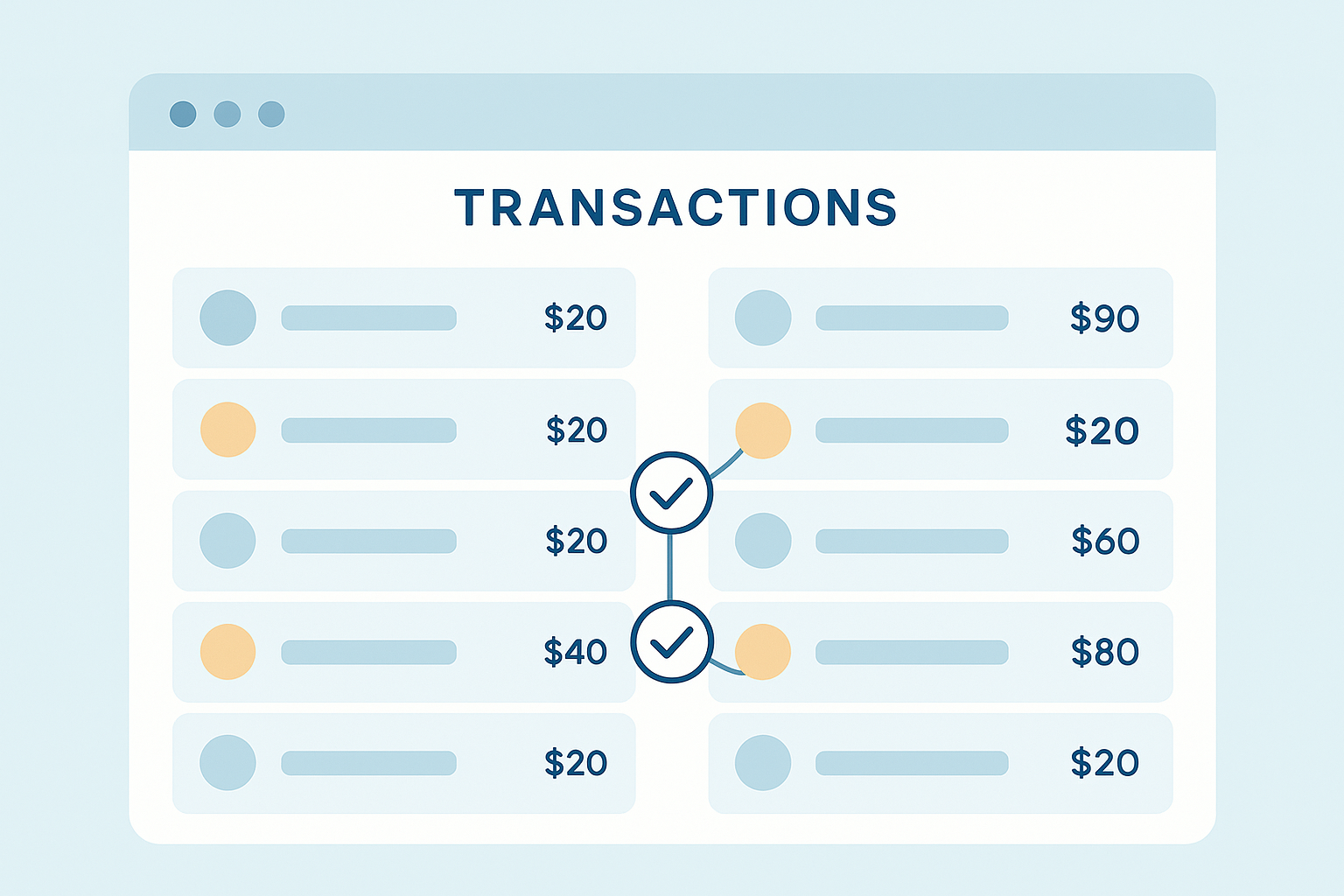
Bank reconciliation software continuously matches bank feed transactions against the general ledger.
What Is Bank Reconciliation Software?
Bank reconciliation software is accounting technology that automatically compares transactions from your connected bank accounts against the entries in your general ledger, flags mismatches, and marks matched items as cleared. It replaces manual line-by-line checking with rules-based or AI-assisted matching, often through a live bank feed.
At its core, reconciliation confirms that your internal records and your bank's records agree. Traditionally, bookkeepers printed bank statements and checked off each transaction by hand. Instead, reconciliation software pulls transactions through a secure data connection, usually via a provider like Plaid, and compares them against the double-entry bookkeeping ledger that already lives inside your accounting platform.
Because matching happens continuously rather than once a month, discrepancies surface within days instead of weeks. For context, platforms such as AccountingWise combine this matching engine with Smart Assign categorization, so a transaction is coded and reconciled in the same motion. If you are still comparing options, this bank feeds guide for small business accounting walks through how live feeds connect to the ledger in more detail.
Why Automated Bank Reconciliation Matters for Growing Businesses
As transaction volume grows, manual checking simply cannot keep pace. In fact, the Association of Certified Fraud Examiners' Report to the Nations found that organizations lose a median of 5% of annual revenue to fraud, and reconciliation gaps are often where that loss first becomes visible. See the ACFE report for the full data set.
In addition, accurate records matter at tax time. The IRS generally expects businesses to keep reconciled financial records that support reported income, and the IRS recordkeeping guidance outlines how long those records should be retained. Therefore, automated reconciliation is not just a convenience; it is a control that protects both cash flow and compliance. Growing companies that want this level of automation alongside invoicing and reporting can compare setups in this small business accounting overview.
Key Features to Look for in Reconciliation Tools
Not every reconciliation tool offers the same depth. Specifically, these features separate a basic bank feed from a true reconciliation system:
- Live bank feeds: Daily syncing through a provider like Plaid instead of manual statement uploads.
- Learning categorization: A system that improves its matching suggestions as you correct them over time.
- Cash and accrual reporting: Reports built from one reconciled ledger rather than two disconnected data sets.
- Multi-account and multi-location support: Consolidated reporting when a business operates more than one entity.
- Locked periods and audit trail: Protection against accidental edits to a period already closed.
- Multi-client support: Isolated books per client for firms, with staff roles and an all-client roll-up view.
Enterprise teams with multiple locations or unlimited staff usually need a few additional controls, including customizable permissions. That requirement is covered in more depth on the enterprise accounting page.
How Automated Bank Reconciliation Works, Step by Step
Although every platform has small differences, the core workflow stays consistent. Below is the typical process from connection to closed period.
- Connect your bank accounts. Link each business checking, savings and credit card account through a secure provider such as Plaid so transactions sync automatically every day.
- Let the software categorize transactions. Allow the automatic categorization engine to assign each transaction to an account, learning from prior corrections so accuracy improves over time.
- Review suggested matches. Check the transactions the software has already matched to invoices, bills and journal entries, confirming that amounts and dates line up correctly.
- Investigate unmatched items. Research any remaining unmatched transactions, which are usually timing differences, bank fees, or duplicate entries that need a manual adjustment.
- Lock the reconciled period. Close out the reconciled month so prior entries cannot be edited by accident, preserving an accurate audit trail for tax time and financial reports.
A completed reconciliation checklist, from connecting feeds to locking the period.
Reconciliation Software vs. Manual Spreadsheets
Spreadsheets can technically reconcile a bank account, but the comparison below shows why most growing businesses move away from them.
| Factor | Manual Spreadsheet | Bank Reconciliation Software |
|---|---|---|
| Data entry | Manual, transaction by transaction | Automatic via live bank feed |
| Error risk | Higher, due to typos and missed rows | Lower, with flagged exceptions only |
| Time required monthly | Several hours | Minutes, once set up |
| Audit trail | Depends on manual notes | Built-in, with locked periods |
How to Choose the Right Bank Account Reconciliation Tool
Before committing to a plan, it helps to map the decision against how your business actually operates. For instance, a solo owner mainly needs clean cash and accrual reports, while a multi-location company needs consolidated books across locations. Similarly, a firm managing dozens of clients needs isolated books per client rather than one shared file.
Switching costs also matter. If you are currently on another platform, ask whether the new system can import your chart of accounts, contacts and journal history in one pass. A side-by-side comparison of leading platforms is available in this best accounting software roundup for 2026, which covers pricing tiers and migration paths in more depth.
AccountingWise: Reconciliation Built Into One Ledger
AccountingWise keeps reconciliation on the same reconciled, double-entry ledger as invoicing, payroll and reporting, so nothing needs re-entering between departments. Live bank feeds via Plaid pair with Smart Assign categorization, which learns from corrections and speeds up future matching. Consequently, cash and accrual reports stay accurate without a separate reconciliation step.
Company Silver starts at $31.99 per month for core books, bank feeds and invoicing with card and ACH payments. Company Gold, at $60 per month, adds multi-location support with consolidated reporting, while Company Platinum, at $90 per month, adds a full payroll suite for the first ten employees. Firms, meanwhile, get a free multi-client portal with isolated books per client, staff roles, and a Taxes tab that tracks every client's return status. More detail on that firm-side workflow is available in this bookkeeping software guide for accountants.
Businesses already on QuickBooks can move over with a one-click import of their chart of accounts, contacts and full journal history, with a duplicate-safe undo window. You can explore the plans directly at accountingwise.app.
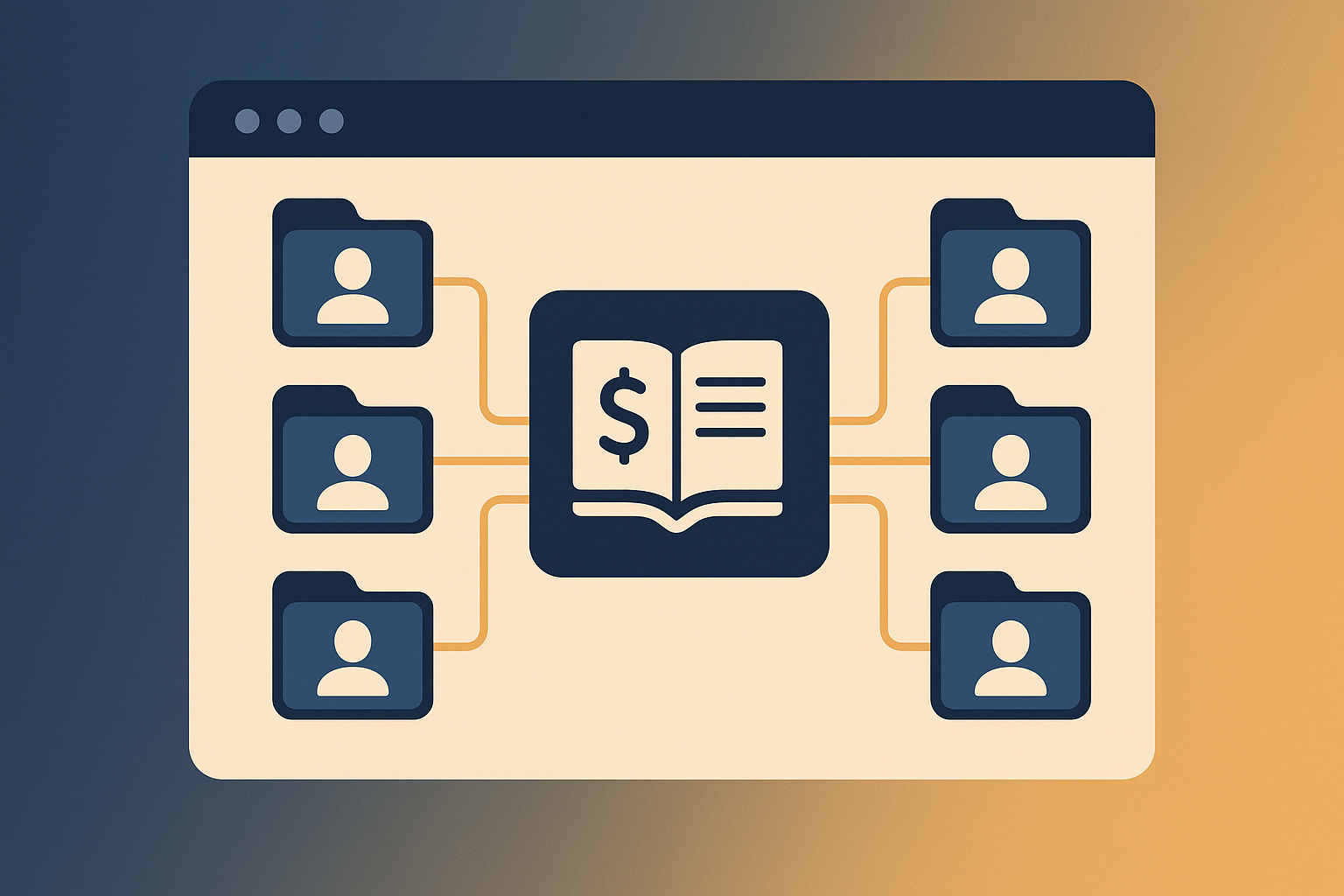
Firms can reconcile multiple client books from one connected ledger.
Frequently Asked Questions About Bank Reconciliation Software
What is bank reconciliation software?
Bank reconciliation software is accounting technology that automatically compares transactions from a connected bank account against entries in the general ledger, flags mismatches, and marks cleared items as reconciled. It replaces manual line-by-line checking with rules-based or AI-assisted matching.
How does bank reconciliation software work?
It connects to your bank through a secure feed, pulls in transactions daily, and compares them to ledger entries already recorded. Matched items clear automatically, while unmatched ones are flagged for review.
Why do small businesses need bank reconciliation software?
Small businesses need it because manual reconciliation is slow and error-prone, especially as transaction volume grows. Automated matching catches duplicate charges, missing deposits and fraud faster than a monthly spreadsheet review.
How is bank reconciliation software different from spreadsheets?
Spreadsheets require manually entering and checking every transaction, which takes hours and invites typos. Software pulls transactions automatically through a live feed and matches most of them without manual entry.
How much does bank reconciliation software cost?
Pricing varies widely, from free basic tools to platforms bundled with full accounting suites. AccountingWise, for example, includes reconciliation in its Company Silver plan starting at $31.99 per month.
How long does it take to reconcile a bank account with software?
With automated matching, a monthly reconciliation that once took hours can often be completed in minutes. Most unmatched items are isolated exceptions rather than the entire transaction list.
What common mistakes happen without bank reconciliation software?
Without it, businesses often miss duplicate payments, overlook bank fees, and catch fraudulent charges only weeks later. Manual processes also make it easy to transpose numbers or skip transactions entirely.
What features should I look for in bank reconciliation tools?
Look for live bank feeds, automatic categorization, locked reconciled periods, and a clear audit trail. Multi-account and multi-location support matter if you manage more than one entity.
Can bank reconciliation software replace an accountant?
No, it does not replace an accountant's judgment on exceptions, tax treatment or financial strategy. It does remove the repetitive matching work so an accountant can focus on review and advice.
Does bank reconciliation software work with QuickBooks data?
Many platforms, including AccountingWise, support importing a QuickBooks Online Excel export to rebuild the chart of accounts, contacts and full journal history before reconciliation begins.
Is bank reconciliation software secure for connecting bank accounts?
Reputable platforms use encrypted, read-only connections through providers like Plaid rather than storing bank login credentials directly. This limits exposure while still allowing automatic transaction syncing.
How often should I reconcile my bank accounts?
Monthly reconciliation is the minimum standard, but businesses with high transaction volume benefit from weekly or even daily checks. Automated software makes frequent reconciliation practical without extra staff time.
Can accounting firms use bank reconciliation software for multiple clients?
Yes, firm-focused platforms offer isolated books per client alongside an all-client roll-up view. This lets a bookkeeper reconcile several clients from one login without mixing their data.
What happens if transactions don't match during reconciliation?
The software flags the discrepancy for manual review instead of forcing a false match. A bookkeeper then investigates the gap, which is often a timing difference, bank fee, or duplicate entry.
Conclusion
In short, bank reconciliation software turns a slow, error-prone monthly chore into a continuous, largely automatic process. Above all, the right tool connects live bank feeds, categorization and reporting on one reconciled ledger instead of scattering data across spreadsheets and disconnected apps. Whether you run a small business, manage a roster of accounting clients, or oversee a multi-location enterprise, choosing reconciliation software with the right feature set now will save hours every month and reduce costly errors later. Platforms like AccountingWise bring that automation together with invoicing, payroll and firm tools in a single login, which is worth comparing before you commit to a plan.