
Bookkeeping Software for Accountants: Complete 2026 Guide
Bookkeeping software for accountants is the backbone of any modern accounting or tax practice, letting firms manage every client's ledger, invoicing, and tax status from a single login. Many firms still juggle spreadsheets, a separate invoicing app, and a third tool just to track which returns are done. As a result, client data gets re-entered multiple times, and small errors creep in along the way. This guide explains what bookkeeping software for accountants actually does, which features matter most, and how a platform like AccountingWise consolidates client books, payments, and practice management on one reconciled ledger.
Quick answer: Bookkeeping software for accountants is a cloud platform that lets firms keep isolated, reconciled books for every client, track return status, and message clients from one dashboard. The strongest options, such as AccountingWise, add live bank feeds, invoicing, and free firm accounts so practices do not pay per seat just to manage their own clients.
What Is Bookkeeping Software for Accountants?
Bookkeeping software for accountants is a type of practice management and accounting platform built specifically for firms that manage multiple clients' books at once, rather than a single company's finances. Unlike basic small-business accounting apps, it layers a multi-client portal, staff roles, and tax-status tracking on top of standard double-entry bookkeeping (a record-keeping method where every transaction posts to two accounts, keeping the books balanced).
In practice, this means a firm logs into one account and switches between isolated client ledgers without losing data or mixing up transactions. Each client's chart of accounts, bank feed, and reports stay separate, while the firm still gets an all-client roll-up to see overall workload. For instance, AccountingWise's firm portal lets staff review every client's return status through a dedicated Taxes tab, so nothing slips through at filing season.
Bookkeeping software for accountants keeps every client's ledger separate but visible from one dashboard.
Why Accounting Firms Need a Dedicated Bookkeeping Platform
Many small and mid-size firms start with a patchwork of tools: one app for bookkeeping, another for e-signatures, and email for client communication. However, this patchwork creates duplicate data entry and makes it hard to see which clients are behind on documents. Consequently, staff spend hours reconciling numbers that should already match across systems.
According to the U.S. Small Business Administration, more than 33 million small businesses operate in the United States, and a large share of them rely on outside accountants or bookkeepers to manage their books and tax filings. Firms serving even a small slice of that market need a system built for many clients, not one.
A dedicated bookkeeping platform for accountants solves this by keeping client books, engagement letters, and messaging in the same system. For example, when a client uploads a document or signs an engagement letter, that activity appears instantly in the firm's dashboard instead of a separate inbox. Furthermore, role-based staff access means a junior bookkeeper can see assigned clients only, while a partner sees every account. Because firm plans on platforms like AccountingWise are free, firms are not forced into per-seat pricing just to manage their own practice.
Key Features to Look for in a Client Bookkeeping Solution
Not every bookkeeping software for accountants offers the same depth. Before switching platforms, firms should check for a few specific capabilities.
Isolated client books with all-client roll-ups, so no two clients' transactions ever mix.
Live bank feeds, through a service such as Plaid, with automatic categorization that learns from corrections over time.
Cash and accrual reporting, including P&L, Balance Sheet, Trial Balance, and Cash Flow, generated from one reconciled ledger.
A Taxes tab or similar view showing every client's return status at a glance.
Engagement letters and document requests with built-in e-signatures.
Role-based staff permissions and secure client messaging.
A simple import path from QuickBooks Online, including chart of accounts, contacts, and full journal history.
In addition, firms that sell services directly, such as bookkeeping packages or advisory hours, benefit from a built-in marketplace or invoicing tool with card and ACH payments. Similarly, business owners researching this on their own side often start with a comparison like this guide to accounting software for small businesses with bank feeds, which covers similar reconciliation features from the client's perspective.
How AccountingWise Brings Every Client's Books Onto One Ledger
AccountingWise, built by Out of It, Inc., applies this feature set specifically to accounting and tax firms. Firms create a free Accounting & Tax Firm account, then invite each client onto an isolated ledger under the same portal. Therefore, a firm managing twenty clients sees twenty separate sets of books, plus a combined view of overall activity.
Each client's transactions post automatically from invoicing, payments, and live bank feeds, so the books stay current without manual journal entries. Smart Assign categorization learns from how staff correct transactions, which reduces repetitive coding work over time. Meanwhile, the Taxes tab tracks every client's return status, so a partner can see at a glance which filings are still outstanding before a deadline.
Clients, in turn, get their own secure portal. On the $1-per-month Client plan, they can upload documents, check return status, and message their accountant directly. Client Plus, at $29.99 per month, adds access to their own transactions, reports, and reconciliations, which suits clients who want more visibility without hiring in-house staff. Business owners who want to see the client-facing side in more detail can review the tax client portal directly.
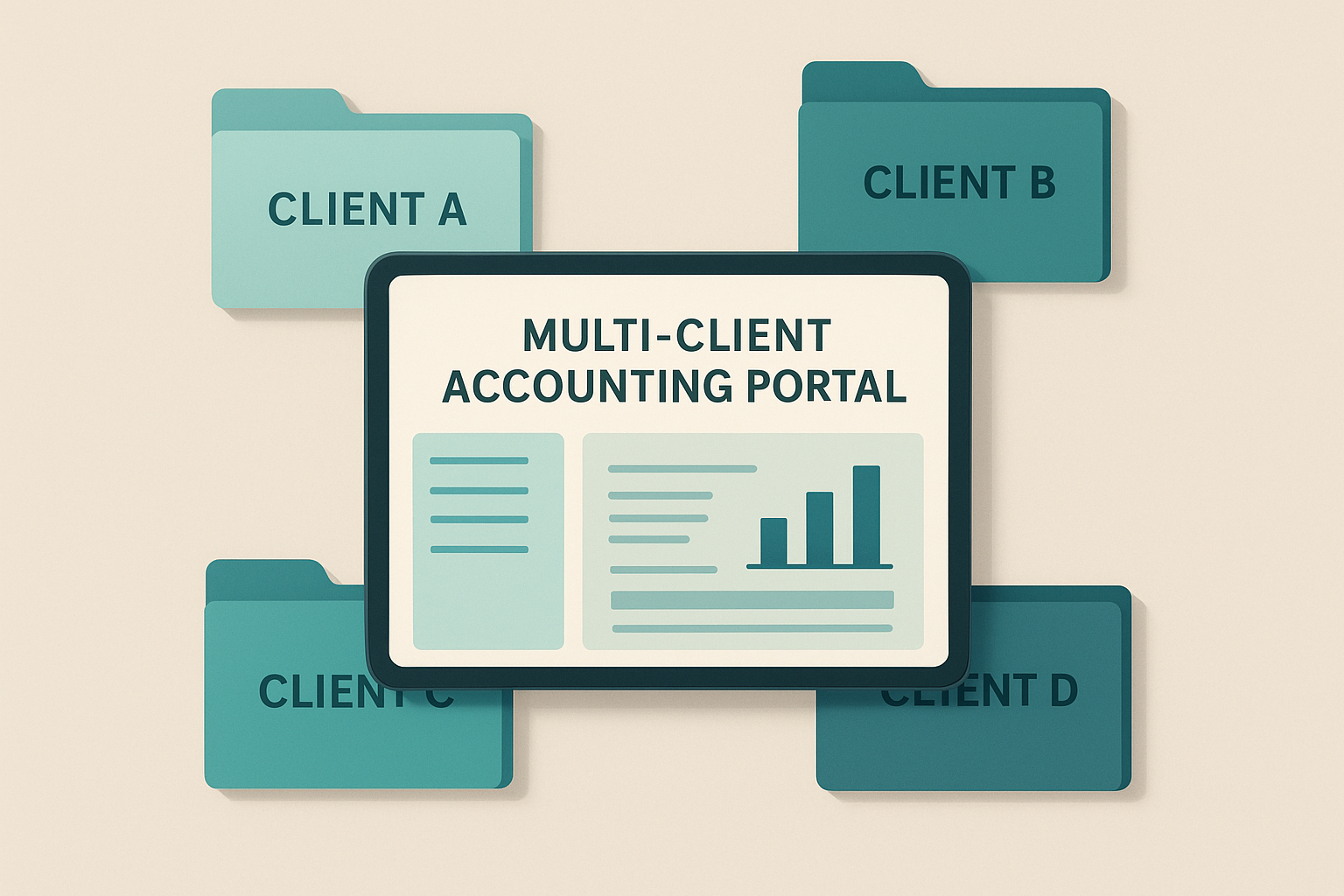
Each client ledger stays isolated, while the firm keeps one combined roll-up view.
Step-by-Step: Moving Client Books Onto One Platform
Firms switching from scattered tools or QuickBooks Online generally follow the same sequence:
Export each client's chart of accounts, contacts, and journal history from QuickBooks Online as Excel files, keeping one export per client for a clean import.
Import those files into the firm's bookkeeping platform to rebuild each client's ledger automatically, using duplicate-safe matching so repeated imports do not double transactions.
Verify opening balances against the client's last reconciled bank statement, then connect live bank feeds through Plaid before closing the one-click undo window.
Assign staff roles for who can view or edit each client, then send engagement letters for e-signature to formalize the new workflow going forward.
Bookkeeping Software for Accountants vs. Traditional Accounting Tools
Traditional accounting software, the kind built for a single company, usually assumes one chart of accounts and one set of users. By contrast, bookkeeping software for accountants has to support many charts of accounts, many clients, and staff who move between them daily.
The difference shows up most clearly in three areas: access control, reporting, and onboarding speed. A single-company tool rarely offers role-based permissions across multiple client files, so firms end up creating separate logins for every client. In contrast, a firm-built platform keeps one login with isolated books per client.
Reporting also differs. Traditional tools show data for just that one business, while firm-grade platforms add an all-client roll-up so a managing partner sees total receivables, outstanding invoices, or return status across the whole book of business at once. Finally, onboarding speed matters: importing a new client's chart of accounts, contacts, and journal history in minutes, rather than rebuilding everything by hand, is only possible when the platform is designed around multi-client workflows from the start. Businesses on the other side of this relationship can also learn how a small business accounting platform fits into their own books.
Pricing for Accounting and Bookkeeping Platforms
Pricing structures vary widely across the market, so it helps to compare like for like. On AccountingWise, the Accounting & Tax Firm plan and Staff Account plan are free, which covers the firm's own portal, client roll-ups, and staff roles at no monthly cost.
Clients then choose their own tier: the Client plan runs $1 per month, or $11 per year, for return status, document uploads, and messaging, while Client Plus is $29.99 per month for clients who also want transactions, reports, and reconciliations. Business clients that need a full set of books instead choose a Company plan: Company Silver at $31.99 per month, Company Gold at $60 per month with multi-location support, or Company Platinum at $90 per month, which adds a payroll suite covering the first ten employees. Firms comparing this against other tools before recommending one can review the current plan details on the product page.

Clear pricing tiers make it easier for firms to match plans to each client's needs.
Common Mistakes When Choosing Practice Management Software
Even experienced firms make avoidable mistakes when selecting a new platform. First, some pick software built only for single-business bookkeeping, then force multi-client workflows onto it with workarounds like separate logins per client, which quickly becomes unmanageable as the roster grows.
Second, firms sometimes ignore import compatibility. Without a clean path to pull in an existing chart of accounts, contacts, and journal history, switching platforms can take weeks of manual re-entry instead of minutes. Third, firms underestimate client-facing needs; a platform without a secure client portal pushes document requests back into email, which is harder to track and less secure.
Finally, some firms focus only on bookkeeping and forget tax-status visibility. Without a dedicated view of which returns are filed, in progress, or overdue, tracking deadlines falls back on spreadsheets or sticky notes. According to the IRS recordkeeping guidance, businesses should retain supporting records for at least three years, which makes an organized, searchable ledger far more valuable than a disconnected one.
Frequently Asked Questions About Bookkeeping Software for Accountants
What is bookkeeping software for accountants?
Bookkeeping software for accountants is a platform that lets firms manage isolated, reconciled books for multiple clients, track return status, and communicate securely, all from one login. It typically adds staff roles and all-client reporting on top of standard double-entry bookkeeping.
How is bookkeeping software for accountants different from small-business accounting apps?
The main difference is scale and access control. Small-business apps manage one company's books, while bookkeeping software for accountants supports many separate client ledgers, staff permissions, and a combined view across the whole client roster.
How much does bookkeeping software for accounting firms cost?
Many firm-level plans, including AccountingWise's Accounting & Tax Firm and Staff Account plans, are free. Clients typically pay a small monthly fee, such as $1 for a basic portal or $29.99 for expanded access to their own transactions and reports.
How long does it take to move client books onto a new platform?
With a clean QuickBooks Online export, importing a client's chart of accounts, contacts, and full journal history can take minutes rather than weeks. Complex clients with years of uncategorized transactions may need extra review time before the switch is final.
Can one firm account manage multiple clients separately?
Yes. A properly built multi-client portal keeps each client's books isolated while still giving the firm an all-client roll-up. Staff only see the clients they are assigned to, based on their role.
What does Smart Assign categorization do?
Smart Assign is a categorization feature that automatically codes bank transactions to the right account based on patterns learned from past corrections. Over time, this reduces the amount of manual bookkeeping work needed each month.
Do accounting firms have to pay to use AccountingWise?
No. The Accounting & Tax Firm plan and the Staff Account plan are free. Firms only encounter paid tiers when a business client signs up for a Company Silver, Gold, or Platinum plan, or when a tax client chooses a paid Client Plus portal.
What mistakes do firms make when choosing bookkeeping software?
Common mistakes include picking single-business tools and forcing multi-client workarounds, ignoring import compatibility, skipping a secure client portal, and overlooking tax-status tracking. Each gap tends to create extra manual work later.
Can clients see their own books and tax status?
Yes, with a client portal. Clients on a basic plan can typically check return status, upload documents, and message their accountant, while a higher client tier can also add visibility into their own transactions and reports.
Is bank feed data secure in bookkeeping software for accountants?
Reputable platforms connect bank feeds through regulated aggregators such as Plaid, which use encrypted connections and do not store a client's online banking password on the accounting platform itself.
What is a best practice for onboarding a new client?
Start by exporting the client's existing chart of accounts and journal history, import it with duplicate-safe matching, then verify opening balances against the last reconciled bank statement before connecting live feeds.
Does bookkeeping software for accountants support both cash and accrual reporting?
A capable platform generates both cash and accrual versions of the P&L, Balance Sheet, Trial Balance, and Cash Flow from a single reconciled ledger, so firms do not need separate tools for each reporting basis.
Final Thoughts
Choosing bookkeeping software for accountants comes down to whether a platform can handle many clients, not just one. The firms that save the most time are the ones using a system where books, bank feeds, invoicing, and tax status all live in one reconciled ledger, instead of five disconnected tools. AccountingWise brings that structure together with a free firm portal, isolated client books, and a client-side tax portal, while still giving business clients their own full accounting suite on Company Silver, Gold, or Platinum. Firms ready to consolidate their practice can explore AccountingWise's small business tools or start a free account directly at accountingwise.app.
Feature availability varies by plan tier. See the pricing page for current plans and details. Content is for general information and is not tax, legal or accounting advice; consult a qualified professional for your situation.