Small Business Accounting Platform With Bank Feeds Guide
A small business accounting platform with bank feeds connects your checking, savings, and card accounts directly to your books, so every deposit, charge, and refund posts to the ledger without manual entry. For an owner who still copies numbers from a bank statement into a spreadsheet, that single connection can erase hours of repetitive work every month. Because these platforms pull transactions automatically and categorize many of them without help, bookkeeping shifts from a monthly scramble to a daily five-minute check. In this guide, we'll cover exactly what this software does, how to evaluate one before signing up, how it compares to paying someone else to do your books, and how three very different types of businesses put live bank data to work.
Quick answer: A small business accounting platform with bank feeds is accounting software that links to your bank and card accounts, imports transactions automatically (usually through a connection service like Plaid), categorizes them, and posts them to a double-entry ledger — so you don't manually enter or reconcile each line yourself.
What Does an Accounting Platform With Bank Feeds Actually Do?
A small business accounting platform with bank feeds is software that links directly to a company's bank and card accounts, then pulls transactions into the books automatically instead of requiring someone to type them in. Most platforms use a secure connection service, such as Plaid, to import transactions daily and apply rules or machine learning to sort each one into a category. As a result, the ledger stays current without anyone exporting a CSV file every week.
Underneath the bank connection sits a double-entry ledger — a bookkeeping method where every transaction touches two accounts, such as a debit to cash and a credit to revenue, so the books always balance. When a bank feed posts a transaction, the platform records both sides of that entry automatically. Consequently, a deposit from a customer payment can update accounts receivable and cash in the same motion, instead of waiting for someone to reconcile the bank statement at month's end. This matters because the IRS requires businesses to keep accurate, organized financial records, and a reconciled ledger is the easiest way to satisfy that requirement without extra paperwork.
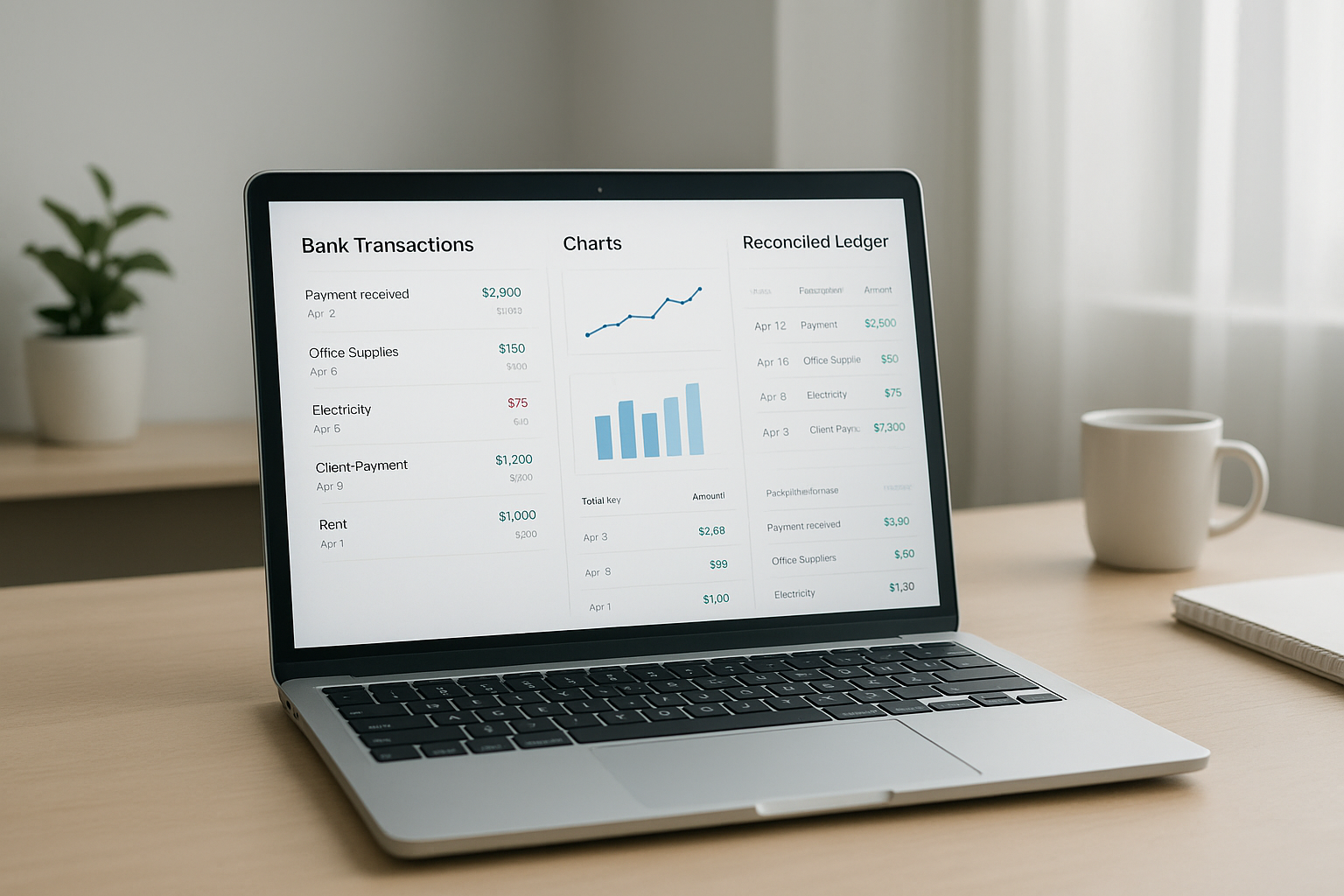
A small business accounting platform with bank feeds keeps transactions current without manual uploads.
The Hidden Cost of Disconnected Bank Feeds
Many small businesses still run on software that only imports bank data through manual CSV uploads, or not at all. In that setup, someone has to log into the bank, download a statement, and match each line against the books by hand. According to an often-cited Intuit survey, small business owners spend roughly 120 hours a year on manual financial administration — nearly three full work weeks. That time comes directly out of hours that could go toward serving customers or growing revenue. In contrast, live bank feeds cut most of that reconciliation work down to a quick review, because the platform already knows which transactions are new and which have been categorized before.
Above all, disconnected feeds create a second problem: duplicate entries. If invoicing, payroll, and banking live in separate tools, the same sale might get recorded twice — once when it's invoiced and again when the deposit hits the bank. A single reconciled ledger, where invoices, payments, and bank deposits all post to the same books, removes that risk entirely. Furthermore, scattered systems make it harder to answer a simple question — "what's my real cash position today?" — without logging into three different dashboards first.
Small Business Accounting Platform With Bank Feeds vs. Outsourced Bookkeeping Services
Many owners assume the choice is between doing their own books in a spreadsheet or paying a bookkeeping service to do it for them. In reality, a modern small business accounting platform with bank feeds often removes the need for that trade-off entirely. A service-based bookkeeper still has to review bank transactions, categorize them, and reconcile accounts every month — the same work a bank feed automates for you in real time, at a fraction of the cost.
That said, outsourced bookkeeping still has a place, particularly for owners who want zero involvement in categorization decisions. However, this convenience usually comes with a monthly fee of $200 to $500 or more, delayed turnaround on reports (often weeks behind, not real time), and limited visibility into your own numbers between update cycles. By comparison, a self-serve platform with bank feeds gives you same-day visibility into cash position, lets you generate a profit and loss statement on demand instead of waiting for a monthly email, and typically costs a fraction of a dedicated bookkeeping service. For businesses that want a hybrid approach, many platforms — including the multi-client portal model described later in this guide — let a bookkeeper or accountant manage the books professionally while the owner still sees live numbers whenever they want them.
How to Evaluate a Small Business Accounting Platform With Bank Feeds
Choosing the right platform takes more than checking a feature list. Before committing, it helps to test the software against the way your business actually operates. The following steps outline a practical process for evaluating any small business accounting platform with bank feeds, whether you are comparing AccountingWise, QuickBooks, or another option.
- Confirm the bank connection method and security standard. Check whether the platform uses a recognized aggregator such as Plaid to connect accounts, and confirm it uses bank-level encryption so your login credentials are never stored on the vendor's servers.
- Test automatic transaction categorization accuracy. Import a few weeks of real transactions during a trial period and see how many the system categorizes correctly on its own, since this directly affects how much manual cleanup you'll do each month.
- Check whether invoicing and payments post directly to the ledger. Send a test invoice, accept a card or ACH payment, and confirm the payment appears in your bank feed and your books without a separate export step.
- Compare cash versus accrual reporting options. Make sure the platform can generate both cash and accrual profit and loss statements from the same ledger, since your tax preparer may need one and your lender may ask for the other.
- Review pricing tiers against your team size and features needed. Map each pricing tier against the number of users, locations, and features your business actually needs, rather than paying for a top tier you won't use for another year.
- Confirm you can import your historical data without losing it. Ask whether the platform offers a one-click import for your chart of accounts, contacts, and journal history from your current software, and whether that import can be undone if something looks wrong.
Working through these six steps before you commit can save weeks of cleanup later, especially if your books carry years of transaction history.
Three Ways Small Businesses Put Bank Feeds to Work
The Solo Retailer With an Online Storefront
A single-owner retail shop selling through an online storefront needs its sales, refunds, and card fees to land in the books automatically. Because the storefront and the bank feed post to the same ledger, a $45 sale shows up as revenue the moment the card payment clears, and the matching processing fee posts as an expense in the same entry. For an owner who also wants to invoice occasional wholesale buyers, a plan like Company Silver covers double-entry books, bank feeds, and basic invoicing without the overhead of features built for larger teams.
The Multi-Location Service Business
A business running two or three service locations needs bank feeds that separate deposits by location while still rolling everything into one consolidated report. Otherwise, the owner ends up building a second spreadsheet just to compare locations side by side. Platforms with multi-location support keep each location's transactions tagged correctly while still producing one combined Profit and Loss statement and Balance Sheet. This setup also helps when a manager at one location needs visibility into that location's numbers only, since role-based access keeps the other locations' books private.
The Accounting Firm Managing Many Clients
An accounting or tax firm has a different problem entirely: dozens of clients, each with their own bank feeds, that must stay completely isolated from one another. A multi-client portal solves this by giving each client an isolated set of books while still letting staff roll up activity across the whole client list in one view. Firms also benefit when the same portal tracks each client's return status, sends engagement letters for e-signature, and lets a bookkeeper message a client directly about a flagged transaction, instead of juggling email threads outside the accounting software.
The Growing E-Commerce Brand Selling on Multiple Channels
A brand selling on its own website plus two or three marketplaces faces a different challenge: deposits often arrive in lump-sum batches days after a sale, already net of fees. A small business accounting platform with bank feeds can still match that lump deposit back to the individual orders that made it up, as long as the platform supports multi-channel transaction matching. Without that capability, an owner ends up manually splitting one bank deposit into a dozen separate sales entries by hand every week, which defeats the entire purpose of automated bank feeds in the first place.
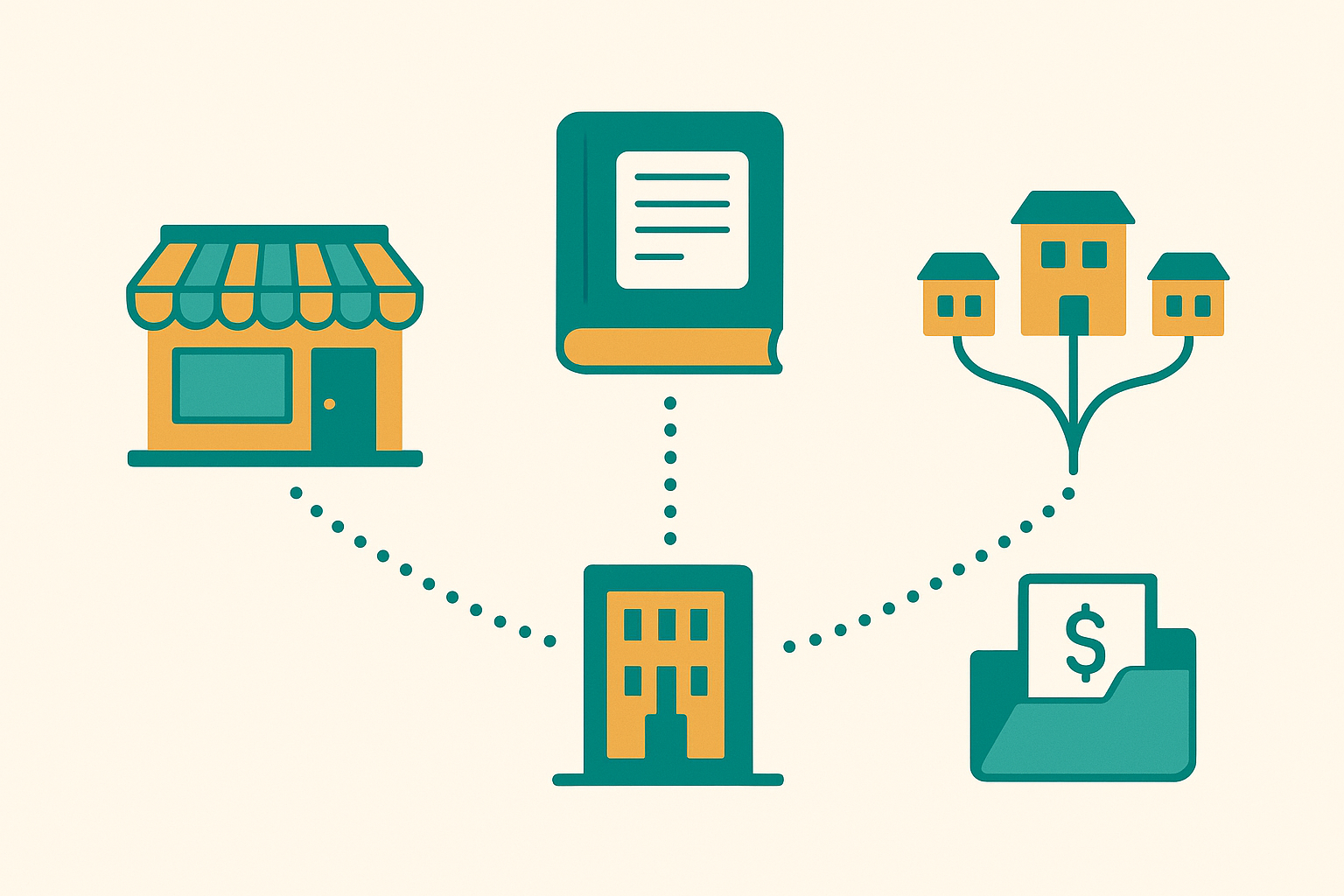
Retailers, multi-location businesses, and accounting firms each rely on bank feeds differently.
Live Bank Feeds Explained: Plaid, Smart Assign and Reconciliation
Most bank feed connections rely on a third-party aggregator rather than a direct line to each bank. Plaid, one of the most widely used aggregators in the fintech industry, securely connects a business's bank login to the accounting platform without exposing those credentials to the software vendor. Once connected, new transactions typically appear in the feed within a day.
From there, categorization is what actually saves time. A feature like Smart Assign reviews each incoming transaction, compares it against patterns from past categorization choices, and applies the right account automatically, then gets smarter the longer it runs. Even so, reconciliation — the process of confirming the bank feed matches the bank's own statement balance — remains a manual checkpoint worth doing monthly, since even a well-trained system occasionally misreads a transaction description.
Security and Compliance: How Bank Feeds Protect Your Financial Data
Connecting a bank account to any piece of software raises a fair question: is it actually safe? In practice, most small business accounting platforms with bank feeds never see your bank password at all. Instead, the aggregator layer handles authentication through an encrypted, read-only token, similar in concept to the protections outlined in the FTC's business data security guidance. The accounting platform itself only receives transaction data, not login credentials, so a breach at the software vendor can't expose your bank password.
Beyond the connection itself, it's worth checking whether a vendor maintains independent security certifications such as SOC 2 compliance — a widely recognized audit standard that verifies a company's controls around data security, availability, and confidentiality. In addition, look for read-only bank permissions (the platform can view transactions but can't move money), 256-bit encryption in transit and at rest, and two-factor authentication on your own account login. None of these protections require any extra effort from you day to day, but confirming they exist before you connect a business bank account is a five-minute check worth doing.
Integrations That Extend a Small Business Bookkeeping Platform
Bank feeds solve the transaction side of bookkeeping, but most businesses also need the platform to talk to other tools. Payroll is the most common example — a platform with a built-in payroll suite, like the Company Platinum tier described later, posts wages, tax withholdings, and employer contributions directly to the same ledger that bank feeds already populate, so payroll runs don't require a separate export-and-import step.
Point-of-sale and e-commerce integrations matter just as much for retailers and online sellers, since they let individual sales match back to the lump deposits a bank feed receives. Similarly, firms that manage multiple clients benefit from built-in e-signature for engagement letters and secure document upload for tax season, rather than routing those documents through a separate file-sharing tool. The fewer systems a transaction has to pass through before landing in your reports, the less chance there is for something to get recorded twice — or missed entirely.
Mobile Access and Real-Time Financial Reporting
Because bank feeds update continuously, the reports built on top of them can reflect today's cash position rather than last month's. A mobile app that mirrors the desktop ledger lets an owner check a bank-fed balance sheet from a job site or a storefront register, instead of waiting until they're back at a desk. This matters most during busy seasons, when knowing whether you can afford a new hire or a bulk inventory order shouldn't require logging into a laptop first.
In particular, look for a platform that lets you pull a profit and loss statement, a balance sheet, and a cash flow summary on demand, filtered by date range or location, rather than only on a fixed monthly schedule. That single capability is often the clearest difference between a platform built around live bank feeds and one that still treats bank data as a once-a-month import.
Switching From Spreadsheets or QuickBooks to Cloud Bookkeeping Software
Moving an existing business onto a new platform is often the biggest hesitation point, mainly because years of transaction history feel risky to touch. However, a platform that accepts QuickBooks Online Excel exports can rebuild a chart of accounts, contacts, and full journal history in minutes rather than weeks. Specifically, a duplicate-safe import with a one-click undo window means a business can try the migration without committing to it permanently. For businesses still tracking expenses in spreadsheets with no accounting software at all, the switch is simpler still, since there's no existing system to reconcile against. For a side-by-side look at how different platforms handle this, see this comparison of accounting software for small businesses with bank feeds, and review the tools built for small business owners before you migrate.
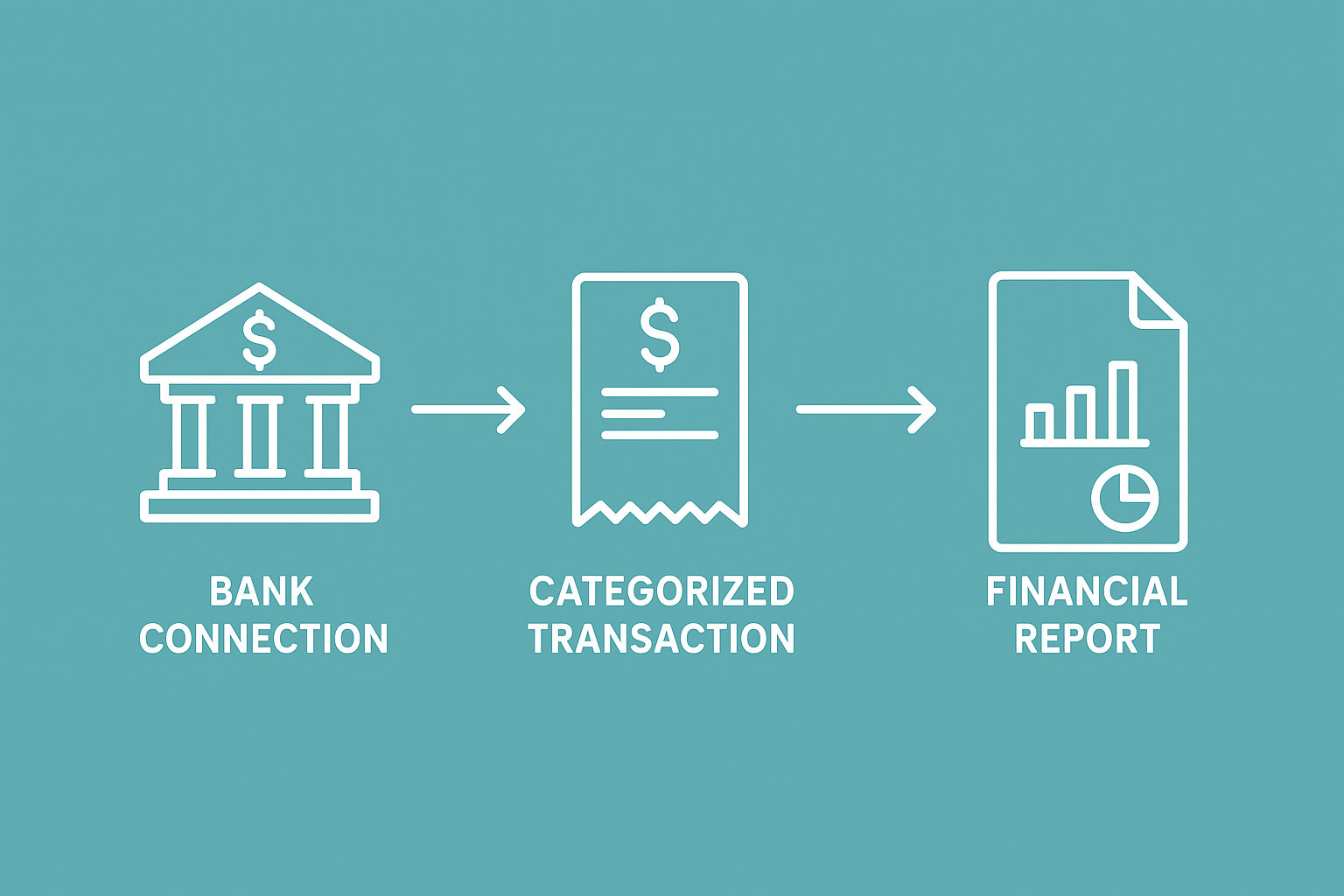
How a bank connection turns into a categorized, reconciled financial report.
Pricing Tiers for Small Business Bookkeeping Platforms
Pricing structures vary, but most small business accounting platforms with bank feeds fall into a few predictable tiers based on features rather than transaction volume. On AccountingWise, for example, the tiers break down as follows:
| Plan | Monthly | Annual | Key Features |
|---|---|---|---|
| Company Silver | $31.99 | $364.69 | Double-entry books, live bank feeds, invoicing, cash & accrual reports |
| Company Gold | $60 | $684 | Everything in Silver, plus multi-location books with consolidated reporting |
| Company Platinum | $90 | $972 | Everything in Gold, plus a full payroll suite for the first 10 employees |
| Accounting & Tax Firm | Free | Free | Multi-client portal, isolated books per client, staff roles |
| Client | $1 | $11 | Return status, secure document uploads, messaging |
| Client Plus | $29.99 | — | Adds transactions, reports, chart of accounts, reconciliations |
Because the firm and staff accounts are free, the cost of adopting a shared platform mostly falls on the client-facing portal tier a firm chooses for its own clients. Meanwhile, enterprise teams with unlimited workers and custom permission structures typically need a separate tier built for that scale; businesses outgrowing a standard plan can review that option on the enterprise page, or see the full feature breakdown before deciding.
Frequently Asked Questions About Small Business Accounting Platforms With Bank Feeds
What is a small business accounting platform with bank feeds?
A small business accounting platform with bank feeds is accounting software that connects directly to a company's bank and card accounts so transactions import automatically instead of being typed in by hand. Most platforms also categorize those transactions and post them straight to a double-entry ledger.
How do bank feeds work in accounting software?
Bank feeds work through a secure connection service, often Plaid, that links your bank login to the software without storing your credentials on the vendor's servers. New transactions typically sync once a day and then move into a review queue for categorization.
Why do bank feeds matter for small business bookkeeping?
Bank feeds matter because they remove the need to manually download and enter bank statements, one of the most time-consuming parts of bookkeeping. As a result, books stay current throughout the month instead of only at tax time.
How much does a small business accounting platform with bank feeds typically cost?
Pricing usually ranges from around $30 to $90 a month for a single company account, depending on features like payroll and multi-location reporting. On AccountingWise, Company Silver starts at $31.99 a month, while Company Platinum with payroll runs $90 a month.
How long does it take to set up live bank feeds?
Connecting a bank account to a live feed typically takes a few minutes through an aggregator like Plaid, though the first full sync of transaction history can take a bit longer depending on the bank. Most new users see transactions appear within the same day.
What's the difference between bank feeds and manual bank statement imports?
Bank feeds sync transactions automatically on an ongoing basis, while manual imports require downloading a CSV file from the bank and uploading it into the software yourself. Manual imports work in a pinch, but they reintroduce the delay and error risk that bank feeds are meant to remove.
Can I switch from QuickBooks without losing my transaction history?
Yes, many platforms accept QuickBooks Online Excel exports and can rebuild your chart of accounts, contacts, and full journal history from that file. A duplicate-safe import with an undo option lets you test the switch before committing fully.
What common mistakes do businesses make when using bank feeds?
The most common mistake is accepting every auto-categorized transaction without a quick review, which can let a miscategorized expense slip into the wrong account. Skipping monthly reconciliation is a close second, since it's the only step that confirms the feed matches the bank's own balance.
Is it safe to connect my bank account to an accounting platform?
Connecting through a recognized aggregator like Plaid is considered safe because your bank login is encrypted and never stored directly by the accounting software. It's still worth confirming the specific platform's security certifications before connecting a business account.
Do accounting firms need a different plan than small businesses?
Yes, firms typically need a multi-client portal rather than a single-company plan, since they manage isolated books for many clients at once. Many platforms offer the firm and staff accounts for free, charging instead for the client-facing portal tier.
What's the best practice for reconciling bank feeds each month?
Set aside time once a month to compare the bank feed balance against the actual bank statement balance, and investigate any transaction that doesn't match. Doing this consistently catches duplicate entries or missed transactions before they affect your tax-time reports.
Can bank feeds handle both cash and accrual accounting?
Yes, the bank feed itself just imports transactions; whether your reports show cash or accrual results depends on how the platform's reporting engine is built. A platform built on one reconciled ledger can usually generate both report types from the same data.
What happens if a transaction is categorized incorrectly?
Most platforms let you manually recategorize a transaction, and a learning categorization feature like Smart Assign will remember that correction for similar transactions in the future. Fixing it quickly also keeps your monthly reports accurate for tax preparation.
Can I connect more than one bank account or credit card to the platform?
Yes, most small business accounting platforms with bank feeds support multiple connected accounts, which matters once a business has a checking account, a savings account, and one or more credit cards in active use. Each connection syncs independently, so a missed renewal on one card won't disrupt the feed from the others.
What happens if my bank changes its login requirements or has an outage?
Occasionally a bank updates its security requirements or experiences downtime, which can briefly disconnect a feed and require you to re-authenticate through the aggregator. This is normal, takes only a minute to fix, and doesn't affect any transactions already recorded in your books before the disconnection.
Conclusion
Choosing a small business accounting platform with bank feeds comes down to how much manual work you're willing to keep doing every month. A platform that connects live bank data, invoicing, and reporting on one reconciled ledger turns bookkeeping from a recurring chore into a daily five-minute check — often at a lower monthly cost than an outsourced bookkeeping service. Whether you're a solo retailer, a multi-location service business, a growing e-commerce brand, or an accounting firm managing dozens of clients, the right platform should fit how you already work rather than force a new routine on top of it. Before you commit, run through the evaluation steps above, confirm the platform's security standards, compare pricing tiers against your real needs, and verify your historical data can move with you. For a closer look at how a single reconciled ledger works in practice, the AccountingWise small business page is worth reviewing.
Feature availability varies by plan tier. See the pricing page for current plans and details. Content is for general information and is not tax, legal or accounting advice; consult a qualified professional for your situation.