Accounting software with bank feeds links your business checking, savings and credit card accounts directly to your books, so every transaction appears automatically instead of being typed in by hand. For small business owners juggling invoices, payroll and tax prep, this single connection turns hours of manual data entry into minutes of review. Below, we break down how bank feed syncing works, which features actually matter and how to pick a platform that keeps your books accurate year-round.
Quick answer: Accounting software with bank feeds is bookkeeping software that connects to your bank through a secure link, often powered by Plaid, to automatically import, categorize and post transactions to your books in real time. It eliminates manual entry and keeps your records ready for tax season.
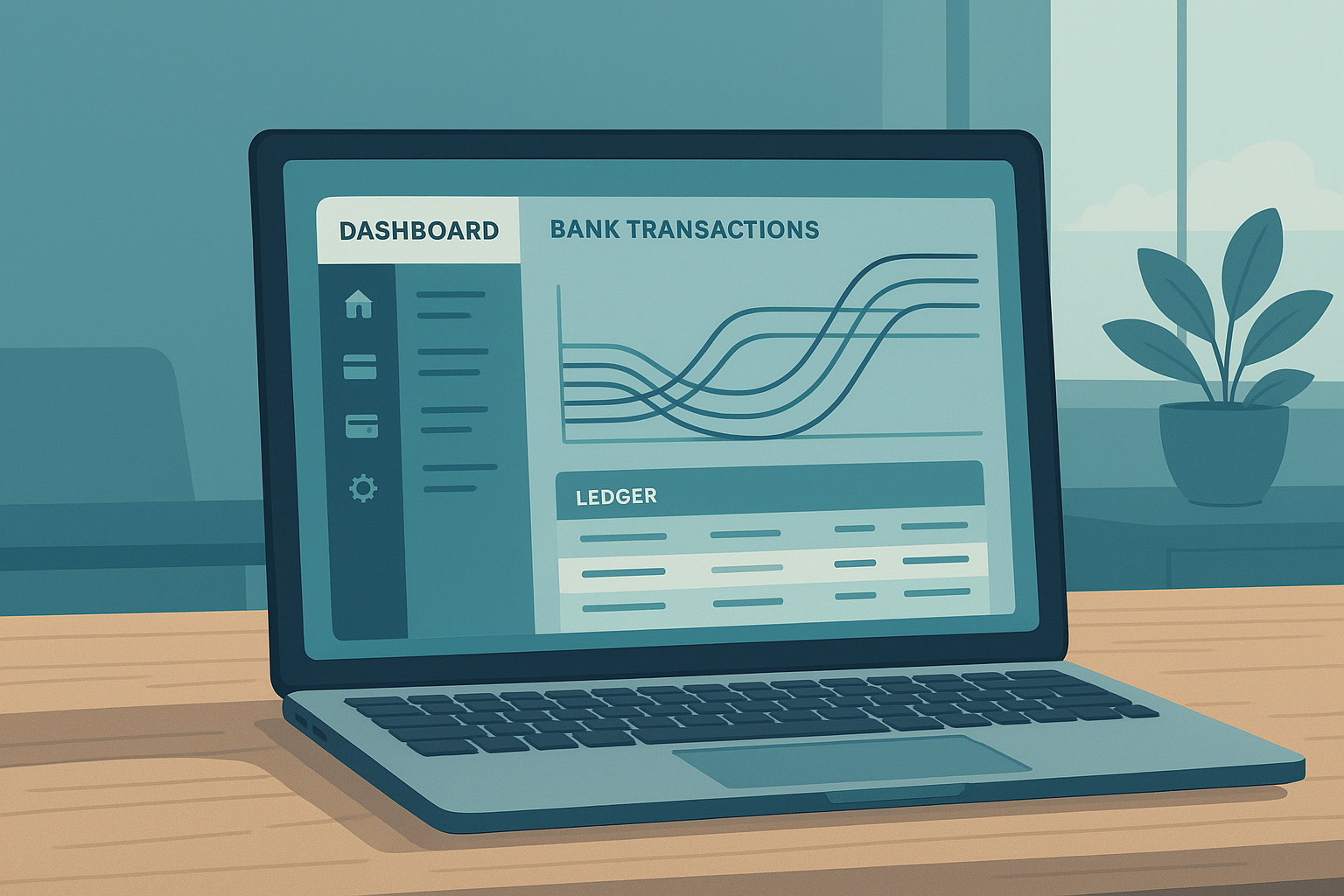
Accounting software with bank feeds pulls transactions into the ledger as they happen, instead of waiting for a monthly upload.
What Is Accounting Software with Bank Feeds?
Accounting software with bank feeds is a category of bookkeeping platforms that maintain a live, two-way connection to your financial institutions. Rather than importing a spreadsheet once a week, transactions flow in continuously and post against a double-entry ledger, which is an accounting method that records every transaction in two matching places so the books always balance.
As a result, a sale, a vendor payment or a deposit shows up in your books the same day it clears your bank, not weeks later. In addition, the software typically applies a category label automatically, so you can see cash flow trends without manually tagging every line item.
How Does Bank Feed Syncing Work?
Bank feed syncing relies on a financial data aggregator, such as Plaid, which securely connects your bank login to the accounting platform without exposing your password to the software provider. Once connected, the aggregator checks for new transactions on a regular schedule and pushes them into your ledger.
From there, categorization tools take over. On AccountingWise, this is handled by a feature called Smart Assign, which learns from how you code past transactions and applies the same category to similar future ones. For example, if you tag a recurring software charge as a business expense once, Smart Assign will remember that merchant going forward.
Why Automated Posting Matters
Beyond categorization, well-built platforms also auto-post journal entries for invoices, payments, deposits and refunds. Consequently, your receivables and bank balance stay aligned without a separate reconciliation step for every sale.
Key Features to Look for in Live Bank Feed Accounting Tools
Not every platform handles bank feeds equally well. Specifically, look for these capabilities before committing to a provider:
- Learning categorization that improves with use, rather than static rules you must rebuild constantly.
- Both cash and accrual reporting from the same ledger, since lenders and tax preparers often want different views.
- Built-in reconciliation tools that flag mismatches between the feed and your official statement.
- Support for multiple locations or entities if your business operates more than one bank account.
- Invoicing that posts payments straight to the ledger, so sales and bank activity never need separate entry.
For a deeper breakdown of how these pieces fit together, this detailed guide to small business accounting platforms with bank feeds walks through feature-by-feature comparisons.
Manual data-entry research commonly puts human error rates between 1% and 4% per entry. That sounds small, but across thousands of transactions a year, it can create real discrepancies in cash flow reports. Live bank feeds remove most of that manual step entirely.
Step-by-Step: Connecting Your Bank Account to Your Books
Setting up a feed is faster than most owners expect. Here is the typical process:
- Create your account and choose a plan. Sign up for an accounting plan and complete your business profile, including industry type and preferred reporting method, so the ledger is configured correctly from day one.
- Connect your bank through a secure link. Select your bank from the secure connection screen, log in with your online banking credentials, and authorize a read-only pull of transaction data into your books.
- Let categorization rules sort transactions. Allow the categorization engine to scan incoming transactions and apply categories based on merchant patterns, then review and confirm the first batch so the system learns your preferences.
- Reconcile and review reports. Compare your bank feed balance against statement totals each month, resolve any flagged discrepancies, and generate cash or accrual reports to confirm the books match reality.
- Turn on invoicing for ongoing sync. Activate card and ACH invoicing so customer payments post automatically to the same ledger, keeping bank feeds, sales and receivables aligned without duplicate entry.
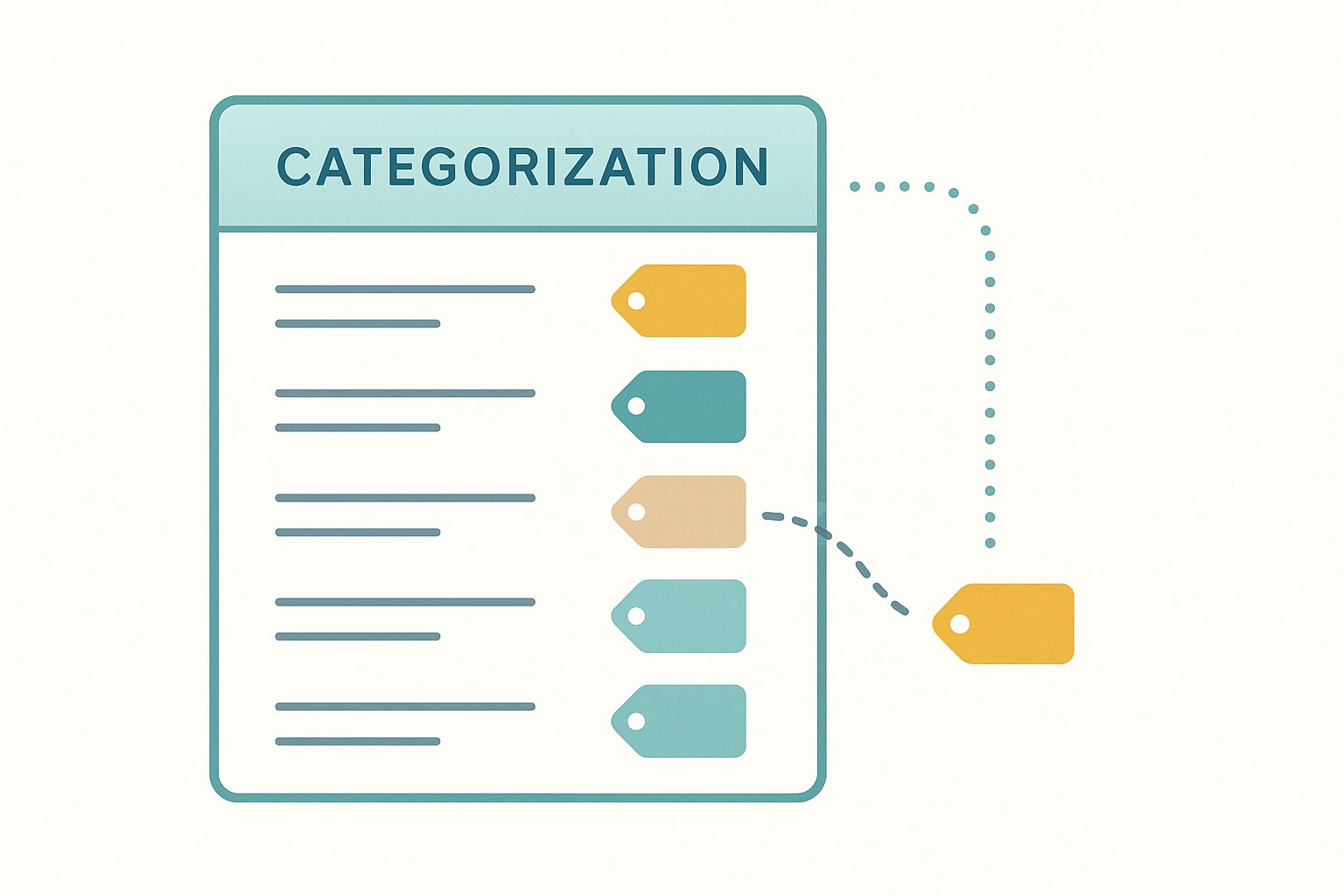
Automated categorization reduces the manual sorting that used to take up hours each week.
Live Bank Feeds vs. Manual Bookkeeping: Why It Matters
Manual bookkeeping means downloading statements, opening a spreadsheet and typing each line by hand. In contrast, live bank feeds remove that step almost entirely, which matters most during tax season when every missing transaction can delay a return.
However, automation does not mean you skip review. Above all, someone should still confirm categories monthly and reconcile the feed against the actual bank statement. The IRS recordkeeping guidance for small businesses is a useful reference for how long to retain these records once they are posted.
Why Accounting and Tax Firms Need Bank Feed Integration Too
Bank feed integration is not only a small business feature. Firms managing a roster of clients benefit just as much, since live feeds reduce the back-and-forth of requesting statements from every client every month.
On a multi-client portal, each client's books stay isolated while staff can still roll up data across the whole roster. Firms also gain engagement letters with e-signatures and a dedicated tab showing every client's return status, which keeps practice management and bookkeeping in one place rather than scattered across email and separate tools. For more on how this works in practice, see this complete guide to bookkeeping software for accountants.
Choosing the Right Plan for Your Business
Pricing tiers usually track feature depth. Below is a simplified comparison based on AccountingWise's company plans, which pair live bank feeds with invoicing, reporting and, on the top tier, payroll.
| Plan | Monthly Price | Best For |
|---|---|---|
| Company Silver | $31.99 | New businesses wanting books, feeds and invoicing |
| Company Gold | $60 | Multi-location businesses needing consolidated reporting |
| Company Platinum | $90 | Teams that also need payroll for up to 10 employees |
Small business owners can compare these tiers in more depth on the small business accounting plans page, while larger operations with multiple logins and custom permissions should review the enterprise accounting features instead. If you manage clients rather than a single company, the free Firm and Staff plans are typically the better starting point.
Switching from QuickBooks: What to Expect
Many businesses hesitate to switch platforms because they fear losing years of transaction history. Fortunately, a structured import can solve that. AccountingWise, for example, accepts QuickBooks Online Excel exports to rebuild your chart of accounts, contacts and full journal history in minutes, with a duplicate-safe, one-click undo window if anything looks off.
Therefore, the switch itself is less disruptive than most owners expect. Once imported, you simply reconnect your bank feeds and resume normal categorization from where you left off. For a broader comparison of platforms before you decide, see this roundup of the best accounting software for small business in 2026.
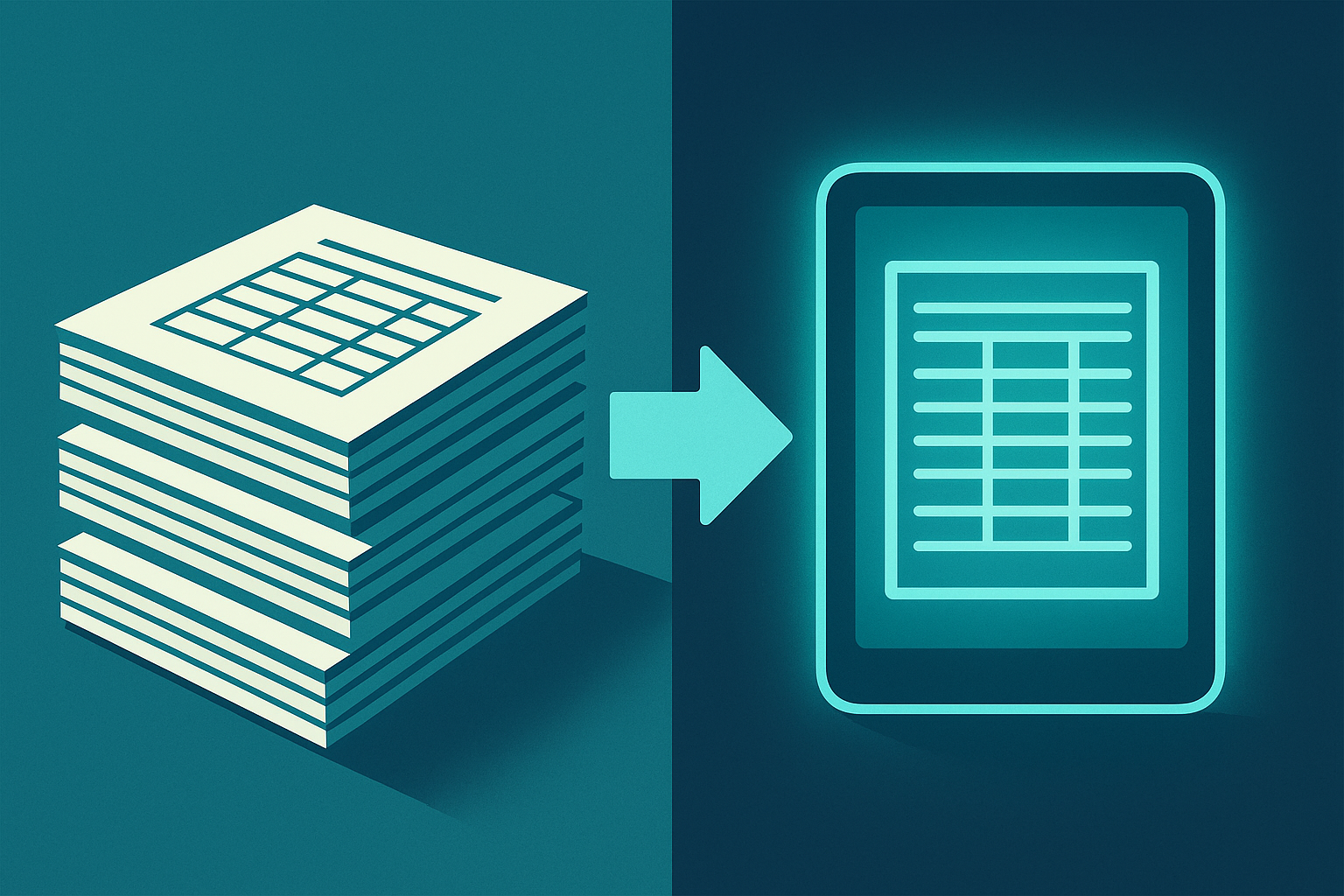
A structured import keeps years of financial history intact when moving between platforms.
Frequently Asked Questions
What is accounting software with bank feeds?
Accounting software with bank feeds is bookkeeping software that connects directly to your bank or credit card accounts, usually through a secure aggregator like Plaid, to pull in transactions automatically. Instead of manual entry, each deposit, payment or charge posts to your ledger on its own.
How do bank feeds connect to my accounting software?
You log in to your bank through an encrypted connection screen, and the aggregator establishes a read-only link that only pulls transaction data. No one at the software company sees your online banking password.
Is accounting software with bank feeds secure?
Reputable platforms use bank-level encryption and read-only connections, meaning the software can view transactions but cannot move money or change your bank login. Always confirm the provider uses a recognized aggregator before connecting an account.
How much does accounting software with bank feeds cost?
Pricing varies by provider and feature set. On AccountingWise, Company Silver starts at $31.99 a month, Company Gold is $60 a month with multi-location support, and Company Platinum is $90 a month and includes payroll for the first 10 employees.
How long does it take to set up bank feeds?
Most businesses connect a bank account in under five minutes once they have their online banking credentials ready. The first categorization pass takes a little longer since you are confirming rules the system will reuse going forward.
What is the difference between bank feeds and bank statement imports?
A statement import is a one-time upload of a file covering a past period. Bank feeds, by contrast, maintain a live connection that keeps pulling new transactions automatically without repeated manual uploads.
Can accounting firms use bank feeds for multiple clients?
Yes, firms can connect feeds for each client separately while keeping every client's books isolated inside one portal. This lets staff review live transactions across a whole roster without mixing up client data.
What common mistakes happen with bank feed categorization?
The most common mistake is approving auto-categorized transactions without reviewing them, which can let errors repeat. Another is forgetting to reconcile monthly, which lets small mismatches between the feed and the actual bank statement pile up.
Does accounting software with bank feeds replace a bookkeeper?
No. The software automates data entry and categorization, but it does not replace professional judgment on tax strategy or complex entries. Many business owners still work with an accountant or bookkeeping firm to review the books.
Can I switch from QuickBooks without losing my transaction history?
Yes, as long as your new platform supports a structured import. AccountingWise, for example, accepts QuickBooks Online Excel exports to rebuild your chart of accounts, contacts and full journal history, with a duplicate-safe, one-click undo window.
What is Smart Assign categorization?
Smart Assign is AccountingWise's categorization engine that learns from how you code past transactions and applies the same category to similar future ones. It reduces manual review while still letting you correct or override any suggestion.
Do bank feeds work with credit cards and loans, not just checking accounts?
Most modern platforms support checking, savings, credit card and some loan accounts through the same connection. This gives a fuller picture of cash position, debt and spending in one reconciled ledger.
What's the best practice for reconciling bank feeds monthly?
Compare the feed balance against your official bank statement at the end of each month and investigate any discrepancy immediately. Waiting several months to reconcile makes it much harder to trace where an error started. The SBA's guidance on managing business finances echoes this same monthly discipline.
Can tax clients see live bank feed data in their portal?
On platforms with tiered client portals, basic plans typically focus on document uploads, return status and messaging, while higher tiers add visibility into transactions and reports. On AccountingWise, Client Plus adds that deeper financial visibility beyond the base Client tier.
Final Thoughts
Accounting software with bank feeds turns a once-tedious chore into a background process, freeing owners and firms to focus on reviewing numbers rather than typing them. In particular, the combination of live syncing, learning categorization and one reconciled ledger means fewer surprises at tax time and fewer hours lost to spreadsheets.
Whether you run a single-location shop, manage multiple locations, or oversee books for a roster of clients, the right platform should connect your bank, your invoices and your reports in one place. You can explore plans and try the setup process directly at AccountingWise, where a company, firm or client account can be created in a few minutes.