
Accounting Software for Small Business: 2026 Guide
Accounting software for small business is the digital backbone that turns scattered receipts, invoices, and bank transactions into one reliable set of books. Instead of juggling spreadsheets or paying for separate apps for invoicing, payroll, and tax prep, a modern platform keeps every transaction on a single reconciled ledger. For owners weighing their options, understanding what to prioritize — live bank feeds, double-entry accuracy, and tax-ready reports — makes the decision far easier. This guide walks through the features that matter most, how pricing typically works, and the steps for switching platforms without losing historical data.
What Is Accounting Software for Small Business?
Accounting software for small business is a cloud or desktop application that records income and expenses, reconciles bank activity, and generates financial statements like the profit and loss report and balance sheet. Most modern platforms also handle invoicing, payments, and basic tax reporting, so an owner or bookkeeper can manage the entire financial workflow from one login.
Historically, bookkeeping relied on the double-entry bookkeeping system, a centuries-old method that records every transaction in two accounts so the books always balance. Consequently, most reputable platforms still use double-entry under the hood, even when the interface feels as simple as a spreadsheet. In addition, the IRS guidance for small businesses notes that organized, consistent records make tax filing faster and reduce the odds of an audit flag.
Key Features Every Small Business Bookkeeping Platform Needs
Not every tool labeled "accounting software" covers the same ground. Therefore, it helps to check for a specific set of capabilities before committing to a plan.
A reconciled double-entry ledger that supports both cash and accrual reporting.
Live bank feeds that import and categorize transactions automatically.
Invoicing with card and ACH payment options, plus visibility into when an invoice was opened.
Role-based access for staff, accountants, and clients.
Standard reports: profit and loss, balance sheet, trial balance, and cash flow.
For a closer look at a platform built around these exact features, the small business accounting page on AccountingWise breaks down how each piece connects to the others.
Choosing accounting software for small business starts with checking which core features are included.
How Live Bank Feeds Strengthen Small Business Accounting
Manual data entry is still one of the biggest time drains in small business accounting. However, live bank feeds, typically powered by a connection service like Plaid, pull transactions directly from checking, savings, and credit accounts each day. As a result, an owner no longer has to type every deposit or card swipe into the ledger by hand.
Smart categorization tools go a step further by learning which vendors and customers map to which accounts over time. For example, AccountingWise uses Smart Assign categorization that improves its matching as more transactions pass through it, and it auto-posts journal entries whenever an invoice, payment, or deposit occurs. According to the U.S. Small Business Administration, there are more than 33 million small businesses operating in the United States, and the majority still handle at least some bookkeeping manually — a gap that live feeds are designed to close.
Readers who want a deeper comparison of bank-feed-driven platforms can review this breakdown of the best accounting software for small businesses with bank feeds.
Accounting Software for Small Business: Comparing Pricing Tiers
Pricing for accounting software for small business varies widely depending on how many features are bundled into each tier. In particular, payroll, multi-location reporting, and client portals tend to push a plan from an entry-level price into a mid or top tier.
As one reference point, AccountingWise structures its Company plans as Silver at $31.99 per month, Gold at $60 per month with multi-location support and consolidated reporting, and Platinum at $90 per month, which adds a full payroll suite covering the first 10 employees. Meanwhile, accounting and tax firms can use the platform's firm and staff accounts for free, and clients pay as little as $1 per month for a secure document and status portal, or $29.99 per month for a tier that includes transactions and reports.
Specific details on every tier are available on the AccountingWise product page, which is a useful reference when comparing plans side by side.
How to Switch Accounting Platforms in 5 Steps
Switching systems sounds riskier than it usually is. Specifically, a clean migration follows a predictable sequence, as outlined below.
Export your current data. Download your chart of accounts, contact list, and full transaction history from your existing system as an Excel or CSV export before making any changes.
Choose a platform with one-click import. Pick accounting software for small business that can rebuild your chart of accounts, contacts, and journal history automatically from the export file in minutes.
Reconcile opening balances. Compare the imported balances against your most recent bank and credit card statements so every account starts the new system in agreement with reality.
Connect live bank feeds. Link your business bank and credit accounts through a secure feed so new transactions post automatically instead of requiring manual entry going forward.
Invite staff and your accountant. Set up role-based permissions for employees, bookkeepers, or your tax firm so everyone sees only the books and client data relevant to their work.
Businesses moving off QuickBooks specifically can use a one-click import of their chart of accounts, contacts, and full journal history, which is duplicate-safe and includes a one-click undo window if anything needs to be reversed.
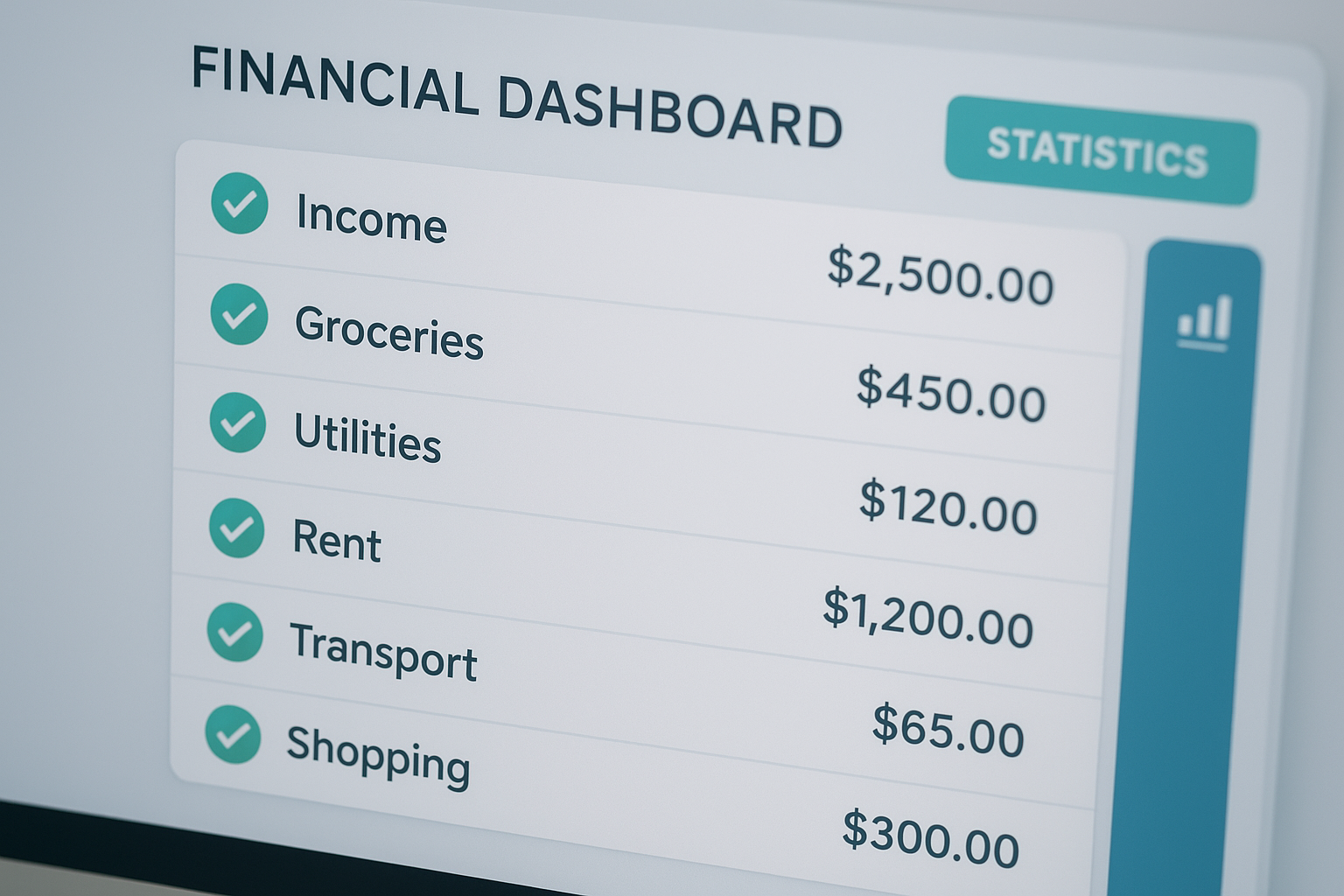
Automatic categorization reduces the manual work behind day-to-day bookkeeping.
QuickBooks Alternatives for Growing Companies
QuickBooks remains common, but it is not the only option, and some owners find its add-on pricing for payroll, invoicing, and multi-user access adds up quickly. In contrast, all-in-one platforms aim to fold those add-ons into one subscription with a single ledger behind everything.
Firms and growing companies in particular benefit from platforms that pair bookkeeping with practice management: engagement letters, e-signatures, a Taxes tab showing return status per client, and isolated books for each client rolled up into one firm-wide view. Above all, this matters for firms juggling dozens of clients who would otherwise need separate logins or spreadsheets for each one.
A broader look at how these platforms stack up is available in this guide to the best accounting software for small business in 2026, and firms can also browse options directly at accountingwise.app.
Built for Firms and Their Clients, Not Just Owners
Small business owners are not the only users of this category of software. Accounting and tax firms need a workspace where each client's books stay isolated, while staff can still see roll-up reports across every client they manage. Likewise, clients themselves often just need a simple portal to upload documents, check return status, and message their accountant without logging into the full accounting system.
AccountingWise addresses all three groups on one platform: free firm and staff accounts, a $1-per-month client portal for document uploads and status tracking, and a $29.99-per-month Client Plus tier that adds transactions and reports for clients who want more visibility into their own numbers.

A shared portal keeps accountants, staff, and clients looking at the same numbers.
Frequently Asked Questions About Accounting Software for Small Business
What is accounting software for small business?
Accounting software for small business is a program that records income, expenses, and bank activity on a reconciled ledger and produces reports like the profit and loss statement and balance sheet. Many modern platforms also handle invoicing, payments, and tax readiness in the same system.
How much does accounting software for small business typically cost?
Pricing usually ranges from roughly $15 to $90 per month depending on features like payroll and multi-location reporting. For example, AccountingWise prices its Company plans from $31.99 to $90 a month, with the top tier including payroll for the first 10 employees.
How long does it take to switch from QuickBooks to a new platform?
A well-prepared migration can take as little as a few minutes to a few hours when the new platform supports one-click import of chart of accounts, contacts, and journal history. Allow extra time afterward to reconcile opening balances against your bank statements.
What is the difference between cash and accrual accounting?
Cash accounting records income and expenses when money actually moves, while accrual accounting records them when they are earned or incurred. Small businesses often need both views, which is why many accounting platforms generate reports in either mode from the same ledger.
Can accounting software for small business handle payroll?
Many platforms offer payroll as an add-on or a higher pricing tier rather than a standalone feature. Choosing a plan that bundles payroll with your general ledger avoids re-entering wage and tax data between separate systems.
How does Smart Assign categorization work?
Smart Assign categorization uses rules and learned patterns to match incoming bank transactions to the correct account automatically. Over time it adapts to recurring vendors and customers, reducing the manual categorization work owners usually do each week.
Why does double-entry bookkeeping matter for a small business?
Double-entry bookkeeping records every transaction in two accounts, which keeps the books balanced and makes errors easier to catch. It is the standard method behind reliable financial statements and is generally expected if you plan to seek financing or file accrual-based taxes.
What mistakes do small businesses make when choosing accounting software?
Common mistakes include picking a tool based on price alone, ignoring whether it supports live bank feeds, and underestimating how much manual re-entry will be needed between invoicing and bookkeeping. Checking for one-click import and a connected ledger before committing avoids most of these problems.
Can my accountant access my books directly inside the software?
Platforms built for firms typically offer a shared portal where your accountant can see isolated, up-to-date books without emailing spreadsheets back and forth. Role-based permissions let you control exactly what staff and advisors can view or edit.
Is live bank feed integration secure?
Reputable platforms connect to bank feeds through regulated intermediaries like Plaid rather than storing your banking credentials directly. This limits exposure and follows practices recommended by financial data security standards.
What reports should small business accounting software generate?
At minimum, look for a profit and loss statement, balance sheet, trial balance, and cash flow report, available in both cash and accrual views. Reports like 1099 contractor summaries and financial ratios are useful extras at tax time.
Can I sell products online through accounting software for small business?
Some all-in-one platforms include a built-in marketplace or storefront so sales post straight to the books without a separate e-commerce integration. This removes the manual step of importing sales data from a third-party store.
What happens to my historical data when I switch accounting platforms?
A proper migration tool rebuilds your chart of accounts, contacts, and full journal history from an export file, keeping past transactions intact. Look for a duplicate-safe import with an undo window so you can reverse the process if something looks off.
Final Thoughts on Choosing the Right Fit
In summary, accounting software for small business works best when it removes re-entry rather than adding another app to juggle. A platform that keeps bank feeds, invoicing, reports, and client communication on one reconciled ledger saves time every single week, not just at tax season. Furthermore, owners who plan to grow or add staff should weigh pricing tiers and permission controls just as carefully as day-to-day features.
Ultimately, the right choice depends on whether you are a solo owner, a growing team, or a firm managing multiple clients, so it is worth comparing a few platforms directly. Visit accountingwise.app to see how one reconciled ledger, live bank feeds, and a built-in client portal can fit into your specific workflow.
Feature availability varies by plan tier. See the pricing page for current plans and details. Content is for general information and is not tax, legal or accounting advice; consult a qualified professional for your situation.