Quickbooks alternatives for small business are in high demand as owners search for more flexible, affordable ways to manage their books. Many founders outgrow spreadsheets or get frustrated with rising QuickBooks add-on fees, so they start comparing other platforms. In particular, small business owners want one login that handles invoicing, bank feeds, and tax readiness without extra charges. This guide breaks down what matters most in a QuickBooks replacement and explains how AccountingWise compares as a modern, all-in-one option.
Quickbooks alternatives for small business is a category of accounting software that replaces QuickBooks with double-entry bookkeeping, live bank feeds, invoicing, and tax-ready reports in one platform. The strongest options combine these core features with transparent pricing and an easy data migration path. AccountingWise is one example, offering a one-click QuickBooks import alongside practice management tools for accounting firms.
What Are the Best QuickBooks Alternatives for Small Business?
The best quickbooks alternatives for small business combine double-entry bookkeeping, live bank feeds, and invoicing in a single reconciled ledger. Top options also include tax-ready reports and a clear upgrade path for payroll or multi-location needs. Pricing transparency and an easy QuickBooks data import matter just as much as features.
Beyond the basics, many business owners also want a marketplace or storefront built into their accounting platform, so online sales post straight to the books. Others need a portal where their accountant or bookkeeping firm can see the same ledger in real time. For example, AccountingWise serves both groups: small businesses get Company Silver, Gold, or Platinum plans, while accounting and tax firms get a free multi-client portal with isolated books per client. As a result, a business and its outside accountant can work from identical numbers without re-entering data. Furthermore, enterprise teams with multiple locations or unlimited staff often need customizable permissions that basic bookkeeping apps do not offer. Readers who want a full breakdown of what to look for can review this small business accounting overview.

Finding the right quickbooks alternatives for small business starts with comparing dashboards and reports side by side.
Why Small Business Owners Look for a QuickBooks Replacement
Cost is often the first trigger. QuickBooks pricing can climb quickly once a business adds payroll, multiple users, or advanced reporting. In fact, the U.S. Small Business Administration reports that small businesses make up 99.9% of all U.S. businesses, which means the market for affordable, scalable accounting tools is enormous.
However, cost is not the only reason owners switch. Many complain about re-entering the same data across separate invoicing, payroll, and e-commerce tools. Similarly, firms managing several clients often find that generic software was never built for multi-client workflows. In contrast, a platform built around one reconciled ledger lets a sale, payment, or deposit post automatically, with no manual transfer between departments. Above all, business owners want confidence that their books are tax-ready year-round, not just at filing time. Consequently, features like cash and accrual reporting, bulk reclassify tools, and 1099 contractor reports have become must-haves rather than nice-to-haves.
Key Features to Compare When Evaluating Alternatives to QuickBooks
Before switching, it helps to compare features side by side. Specifically, look for the following:
- Double-entry bookkeeping — the accounting method where every transaction affects at least two accounts, as explained on the double-entry bookkeeping system page.
- Live bank feeds with smart, learning categorization
- Invoicing with card and ACH payments
- Cash and accrual reports from one ledger
- Multi-client or multi-location support
- A clear, duplicate-safe data migration path from QuickBooks
For example, Smart Assign categorization in AccountingWise learns from past transactions and reduces manual coding over time. Likewise, bulk reclassify tools save hours when fixing mistakes across hundreds of transactions at once. For a full ranked comparison, see this list of the best accounting software for small business in 2026.
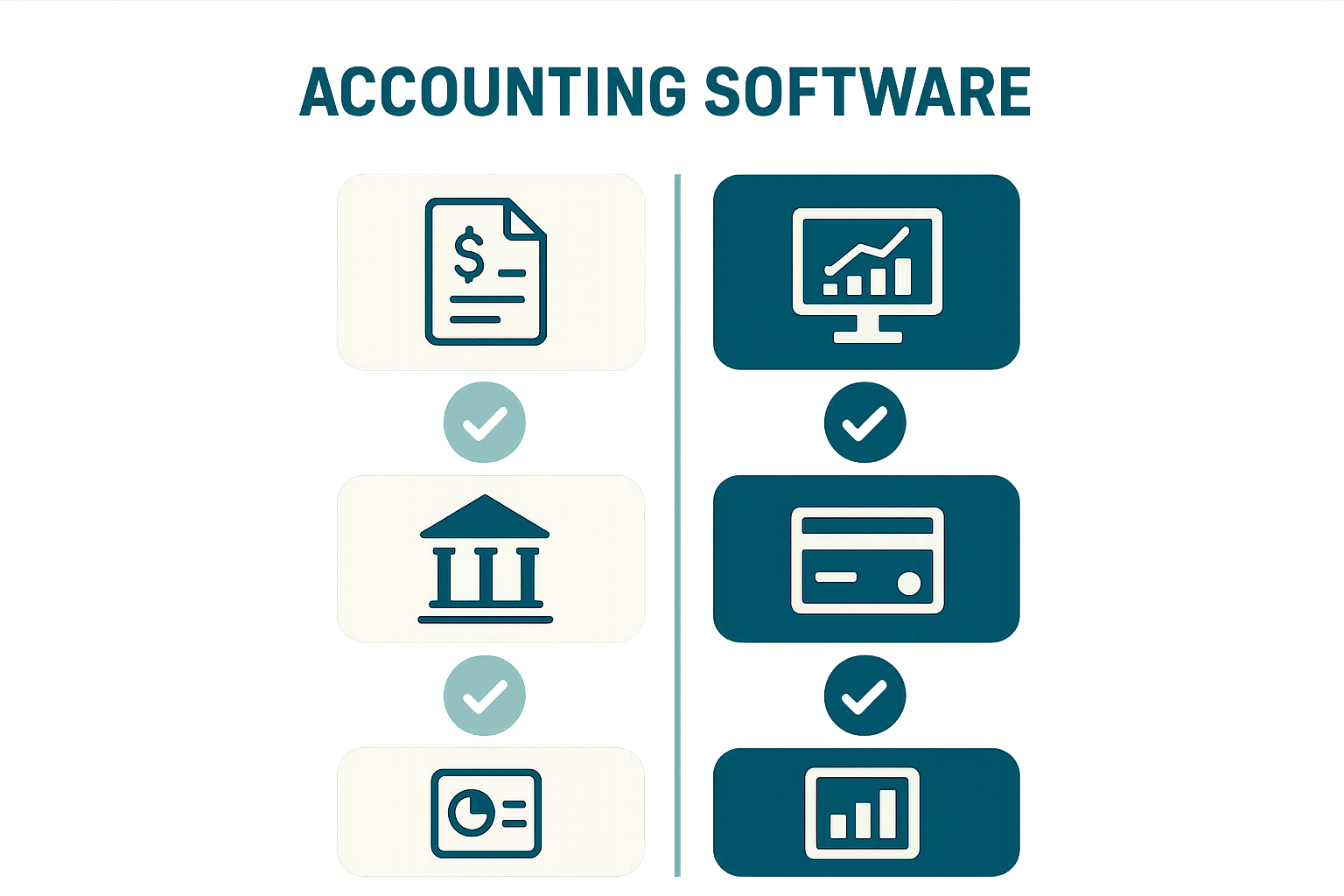
Comparing core features side by side makes it easier to evaluate quickbooks alternatives for small business.
How AccountingWise Stacks Up as a QuickBooks Alternative
AccountingWise takes a different approach than most options by putting accounting, invoicing, banking, and an ecommerce storefront on one reconciled ledger. Therefore, a sale made through the built-in marketplace posts to the books automatically, with no manual entry between departments.
| Plan | Price | Highlight |
|---|---|---|
| Company Silver | $31.99/mo | Core bookkeeping, invoicing, live bank feeds |
| Company Gold | $60/mo | Adds multi-location support with consolidated reporting |
| Company Platinum | $90/mo | Adds full payroll suite for the first 10 employees |
In addition, accounting and tax firms get a free multi-client portal with isolated books per client, staff roles, and a Taxes tab that shows every client's return status. For businesses still on QuickBooks, switching does not mean starting over. Specifically, AccountingWise supports a one-click import of QuickBooks Online Excel exports, rebuilding the chart of accounts, contacts, and full journal history in minutes. The import is duplicate-safe and includes a one-click undo window, so businesses can try it without risk. Readers who want a deeper breakdown of pricing tiers can review this guide to accounting software for small business.
How to Switch from QuickBooks in 4 Steps
Switching platforms can feel risky, but a structured plan keeps the transition smooth. Follow these steps:
- Export your QuickBooks Online data. Download Excel exports of the chart of accounts, contacts, and full journal history directly from QuickBooks Online so nothing gets left behind during the move.
- Import into your new platform. Upload the exports and let the one-click import rebuild the chart of accounts, contacts, and journal history automatically, with duplicate protection built in.
- Reconcile and verify balances. Compare opening balances against the old system and confirm cash and accrual reports match before relying on the new ledger for decisions.
- Connect bank feeds and turn on invoicing. Link accounts through Plaid for live bank feeds, enable Smart Assign categorization, and start sending invoices with card and ACH payment options.

Connecting live bank feeds is one of the final steps when moving to a new accounting platform.
Choosing the Right Accounting Software for Your Small Business
Ultimately, the right choice depends on how a business operates today and where it wants to grow. A sole proprietor with simple invoicing needs may be fine with a lighter plan, while a multi-location company needs consolidated reporting across locations. Therefore, it helps to map current pain points, such as manual categorization or disconnected invoicing, before committing to new software.
The IRS also requires businesses to keep accurate, organized financial records to support tax filings. As a result, cash and accrual reports, a clean chart of accounts, and reconciled bank feeds are not optional extras; they are part of staying compliant.
For businesses that also work with an outside accountant or bookkeeping firm, it is worth checking whether a platform offers a shared portal. Similarly, firms evaluating software for their own practice should look for free staff accounts, engagement letters with e-signatures, and a dashboard that rolls up every client in one view. Readers comparing options in more depth can see this comparison of accounting platforms with built-in bank feeds or visit AccountingWise directly to explore current plans.
Frequently Asked Questions About QuickBooks Alternatives for Small Business
What are quickbooks alternatives for small business?
Quickbooks alternatives for small business are accounting platforms that replace QuickBooks with features like double-entry bookkeeping, bank feeds, invoicing, and tax-ready reports. Many also add practice management tools for the firms that serve small business clients.
Why do small businesses switch away from QuickBooks?
Rising add-on costs, disconnected tools, and manual re-entry between apps are the most common reasons owners switch. A unified platform removes the need to copy data between invoicing, banking, and payroll tools.
How much does AccountingWise cost compared to QuickBooks?
AccountingWise Company plans start at $31.99 a month for Company Silver, $60 a month for Company Gold, and $90 a month for Company Platinum, which includes payroll for the first 10 employees. Accounting and tax firm accounts are free.
Is it hard to import data from QuickBooks Online?
No. AccountingWise supports a one-click import of QuickBooks Online Excel exports that rebuilds the chart of accounts, contacts, and full journal history in minutes. The import is duplicate-safe and includes an undo window.
Can an accounting firm manage multiple clients on one platform?
Yes. Firms get a free multi-client portal with isolated books per client, all-client roll-ups, and staff roles with customizable permissions. A Taxes tab also shows every client's return status in one place.
Do QuickBooks alternatives support live bank feeds?
Most modern alternatives, including AccountingWise, connect live bank feeds through Plaid. Smart categorization tools learn from past transactions so fewer entries need manual review over time.
What is the difference between cash and accrual reporting?
Cash reporting records income and expenses when money actually moves, while accrual reporting records them when they are earned or billed. Good accounting software should generate both from the same ledger.
How long does switching from QuickBooks usually take?
A straightforward import of the chart of accounts, contacts, and journal history can take minutes, but full reconciliation and verification often takes a few days. Businesses with more accounts or locations should budget more review time.
What is a common mistake when switching accounting platforms?
A common mistake is skipping reconciliation after import and assuming every balance transferred correctly. Always compare opening balances and recent reports against the old system before relying on the new one.
Do tax clients need their own login on these platforms?
Yes, most platforms offer a lightweight client portal so tax clients can upload documents, track return status, and message their accountant without accessing the full company ledger.
Can a small business sell products online through its accounting platform?
Some platforms, including AccountingWise, include a built-in marketplace or storefront so online sales post directly to the books. This removes the need for a separate e-commerce integration.
Which businesses benefit most from QuickBooks alternatives?
Businesses that have outgrown spreadsheets, firms managing several clients, and companies with multiple locations tend to benefit most. These groups usually need features that basic bookkeeping apps were not built to handle.
Final Thoughts
In summary, choosing among quickbooks alternatives for small business comes down to matching features, pricing, and migration ease to how a business actually operates. Therefore, owners should prioritize platforms that keep bank feeds, invoicing, and tax-ready reports on one reconciled ledger instead of scattered across separate tools. Accounting and tax firms, meanwhile, should look for free multi-client portals that keep every engagement organized in one place. AccountingWise brings both sides together, with tiered company plans, a free firm portal, and a one-click QuickBooks import that makes switching straightforward. Explore the plans at AccountingWise to see which option fits best.