Invoicing software for small business owners isn't only about sending a polite bill — it's about getting paid faster without typing the same numbers into a separate set of books. In fact, the Federal Reserve's Small Business Credit Survey has repeatedly found that cash flow gaps rank among the top challenges small firms report each year. As a result, picking the right invoicing software for small business operations can directly change how quickly money actually lands in your account. This guide explains what invoicing software does, which features matter most, and how a connected billing platform compares with spreadsheets or bolt-on apps. Throughout, we'll reference AccountingWise as one example of a platform that ties invoicing straight to a full ledger.
What Is Invoicing Software for Small Business?
Invoicing software for small business is a digital tool that creates, sends, and tracks customer bills, then records every payment automatically in the company's financial records. Unlike a plain document template, it timestamps when a client opens an invoice, accepts card or ACH payments, and posts revenue into a ledger for tax-ready reports.
Before these tools existed, most owners built invoices in a word processor, then copied totals into a spreadsheet or handed receipts to a bookkeeper weeks later. That approach works until the business grows, and errors creep in between what was billed and what was recorded. Consequently, modern invoicing software closes that gap by writing each sale directly into a double-entry ledger — an accounting method where every transaction affects at least two accounts, so the books always balance. For example, AccountingWise posts an invoice as a receivable the moment it's sent, then moves it to cash once the client pays by card or ACH, a direct bank-to-bank electronic transfer.
Why Billing Platforms Need to Connect to Your Books
A standalone billing app might look polished, but if it can't talk to your accounting software, someone still has to re-enter every transaction by hand. In particular, that re-entry step is where small businesses lose hours each month and where mistakes slip into tax filings. In contrast, a connected billing platform pulls bank activity automatically through a service like Plaid, which securely links a business bank account to software without manual file uploads. AccountingWise, for instance, uses Plaid-powered live bank feeds paired with Smart Assign categorization, a feature that learns how transactions should be coded and applies that logic going forward. As a result, an invoice payment that clears the bank shows up already matched to the right customer, with no spreadsheet required.
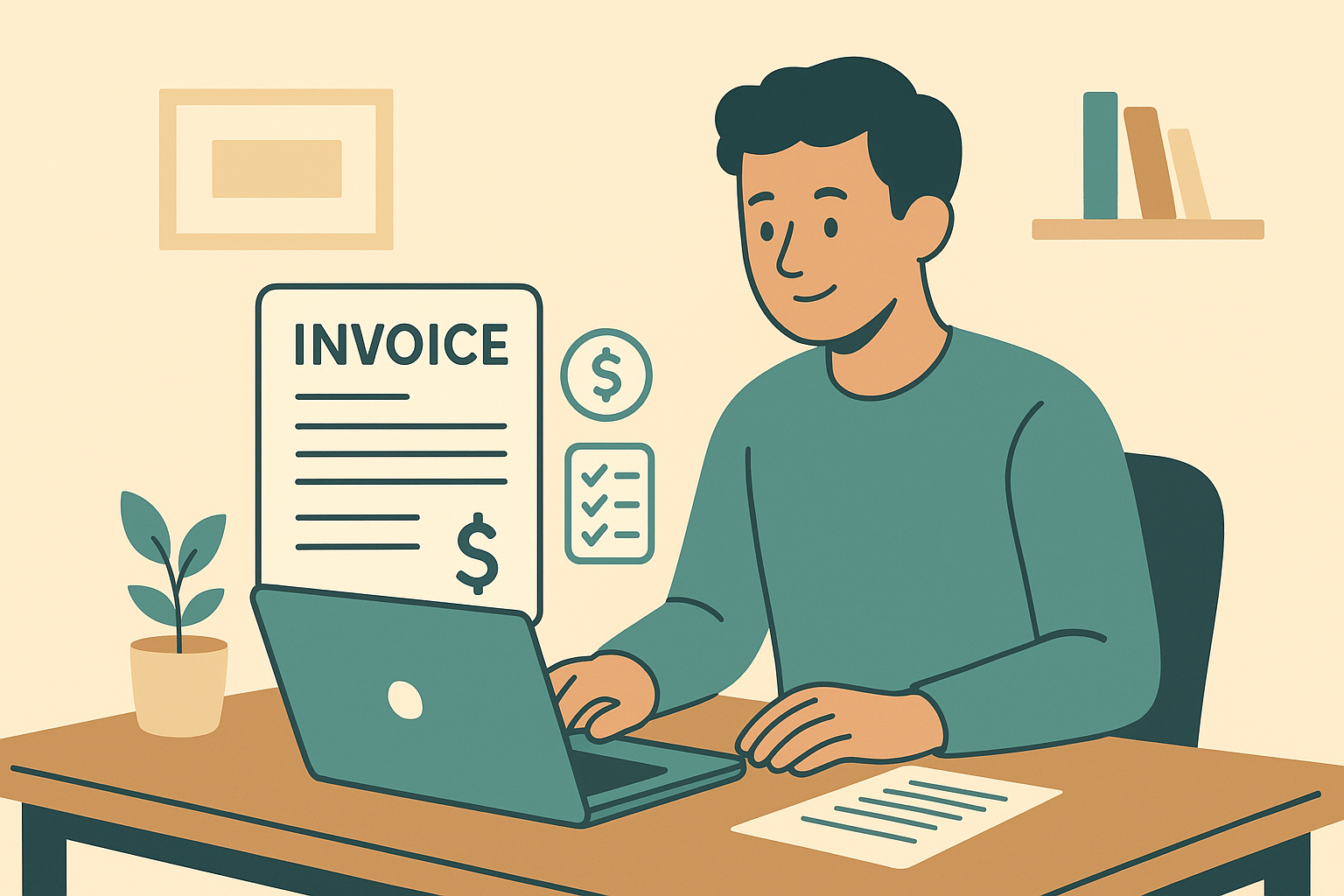
Invoicing software for small business should show payment status at a glance, not just a list of totals.
Key Features to Look for in Invoicing Software for Small Business
Not every invoicing tool offers the same depth, so it helps to compare features side by side before committing to a monthly plan. Specifically, three categories tend to separate a basic billing app from a true small business accounting platform: payment options, bookkeeping sync, and multi-client support for firms serving several customers.
Online Payments and ACH Transfers
Above all, customers pay faster when they can click a link and pay by card or ACH instead of mailing a check. Therefore, look for software that supports both payment types without forcing the client to create an account first. AccountingWise, for example, lets a business accept card and ACH payments directly on an invoice, add retainers for ongoing work, and automatically calculate sales tax line by line. Additionally, the platform shows exactly when a client opened the invoice, which removes the guesswork around follow-up timing.
Automatic Bookkeeping Sync
Similarly, invoicing software should post every sale, payment, and deposit straight into the books instead of waiting for a monthly export. When AccountingWise records an invoice, the entry lands on one reconciled double-entry ledger shared across cash and accrual reports, so the Profit and Loss statement and Balance Sheet update together. Furthermore, bulk reclassify tools let an owner fix miscategorized transactions in batches rather than one at a time, which saves hours during tax season.
Multi-Client and Firm Support
For accounting and tax firms, invoicing needs look different, since each client's books must stay isolated while still rolling up into one firm view. In this case, a multi-client portal with staff roles and a Taxes tab showing return status per client can replace several disconnected tools. Firms using AccountingWise, for example, get this structure on a free plan, with engagement letters and e-signatures built into the same workspace. For more on choosing a platform that scales with a growing roster, see this small business accounting overview.
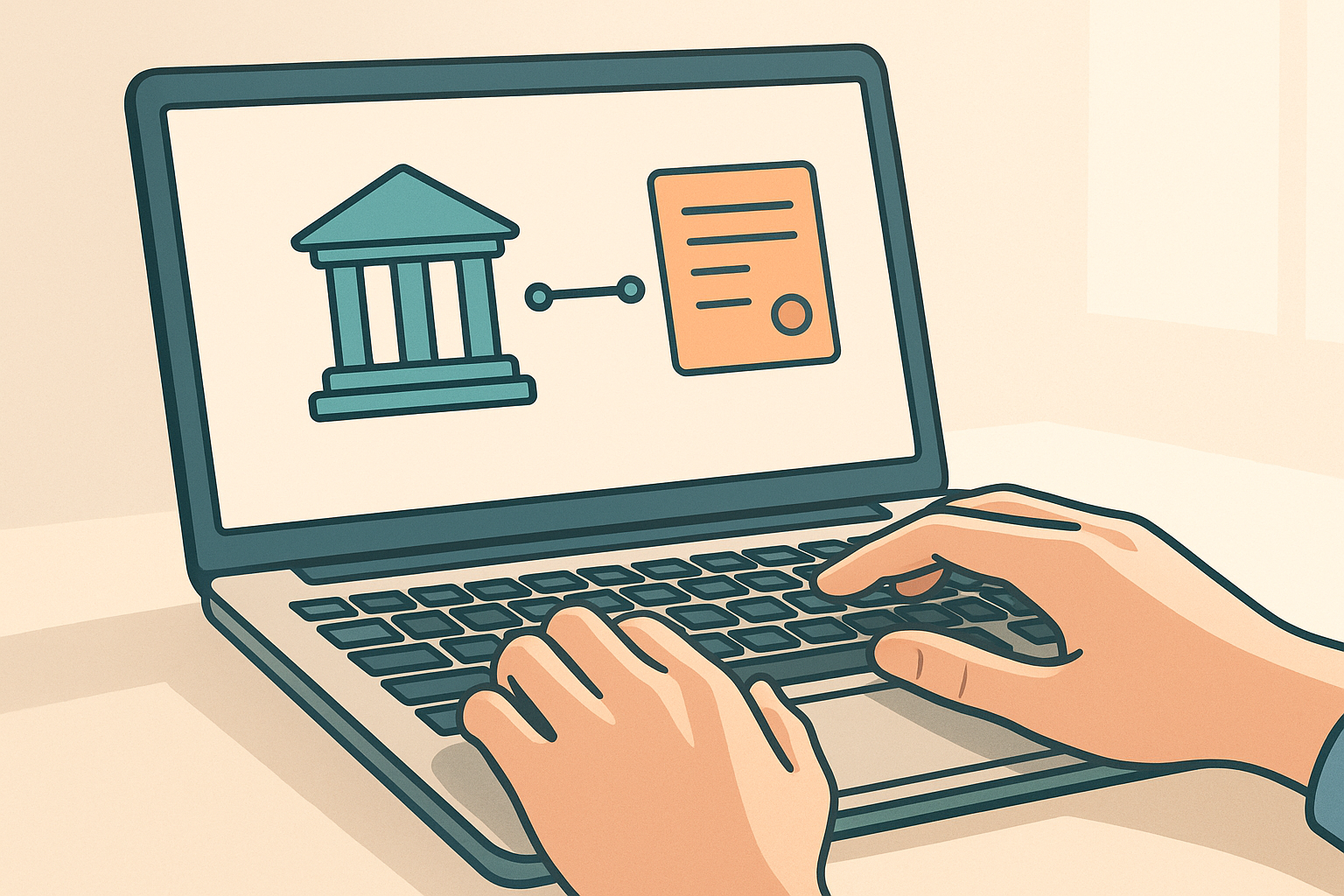
Live bank feeds remove the manual step between a paid invoice and a reconciled ledger.
How to Set Up Invoicing Software for Small Business in 5 Steps
Switching from paper invoices or spreadsheets to a connected platform does not have to take weeks. Instead, most small businesses can send their first automated invoice within a single afternoon by following these steps.
- Import your existing records. Upload a QuickBooks Online export or add accounts manually so your chart of accounts, contacts, and journal history carry over without starting from zero.
- Connect your bank account. Link checking and savings accounts through a secure provider like Plaid so deposits and payments appear in your ledger automatically each day.
- Set up your invoice template. Add your logo, payment terms, sales tax rate, and any retainer details so every invoice looks consistent and calculates totals correctly.
- Turn on card and ACH payments. Enable online payment options so clients can pay directly from the invoice link without creating a separate account first.
- Review and reconcile weekly. Check Smart Assign categorization, confirm invoice statuses, and reconcile the bank feed so your cash and accrual reports stay accurate before tax time.
Invoice Software vs. Spreadsheets vs. QuickBooks Add-Ons
Spreadsheets are free and familiar, but they depend entirely on someone remembering to update them, and they cannot verify that a payment actually cleared the bank. QuickBooks add-ons solve part of that, yet they often charge separately for invoicing, payroll, and bank feeds, which adds up over a year. By comparison, a platform that bundles invoicing with the general ledger from the start avoids both problems at once.
| Plan | Monthly Price | Includes |
|---|---|---|
| Company Silver | $31.99 | Invoicing, bank feeds, cash and accrual reports |
| Company Gold | $60.00 | Everything above plus multi-location reporting |
| Company Platinum | $90.00 | Everything above plus payroll for 10 employees |
Switching is also less disruptive than it sounds. Businesses moving away from QuickBooks can use a one-click import to rebuild their chart of accounts, contacts, and full journal history, with a duplicate-safe undo window in case something needs correcting. For a deeper comparison of platforms, this guide to the best accounting software for small business in 2026 walks through additional options side by side, and this accounting software for small business 2026 guide covers broader feature checklists beyond invoicing alone.
Choosing the Right Small Business Billing Tool for Your Team
The right choice depends on who uses the software day to day. A solo owner mainly needs fast invoicing and clean cash flow reports, while a growing company with multiple locations benefits from consolidated reporting across sites. Meanwhile, enterprise teams with no cap on the number of workers need customizable permissions so staff only see what's relevant to their role. Accounting and tax firms, on the other hand, usually want a free firm portal with isolated client books, since that avoids paying per client just to track invoices and return status. According to the IRS recordkeeping guidelines, businesses should keep supporting documents for income and expenses, which is far easier when invoices and payments already live in one ledger. For a closer look at how bank connectivity factors into this decision, see this guide on small business accounting platforms with bank feeds.

Solo owners and accounting firms both need invoicing software, but their feature priorities differ.
Frequently Asked Questions About Invoicing Software for Small Business
What is invoicing software for small business?
Invoicing software for small business is a tool that creates, sends, and tracks customer invoices while recording payments in the company's accounting records automatically. Most modern versions also accept card or ACH payments directly from the invoice.
How much does invoicing software for small business cost?
Pricing ranges from free templates to full platforms that bundle invoicing with accounting, typically starting around $30 to $60 a month. Costs usually scale with features like payroll, multi-location reporting, or added staff accounts.
Is invoicing software different from accounting software?
Invoicing software focuses on billing clients, while accounting software manages the full set of books, including reports and reconciliation. Many platforms now combine both so invoices post directly to the ledger instead of staying separate.
Can invoicing software accept online payments?
Yes, most current invoicing tools support card and ACH payments directly from the invoice link. This lets clients pay without creating a separate account, which usually speeds up collection time.
Do I need a bank account connection for invoicing software to work?
A bank connection isn't strictly required, but it's what lets payments and deposits match automatically to the right invoice. Without it, someone still has to manually confirm every payment against the bank statement.
How long does it take to set up invoicing software for small business?
Most small businesses can import existing records, connect a bank account, and send their first invoice within a single afternoon. Full reconciliation habits usually settle into a routine within a few weeks.
What is the most common mistake when switching invoicing software?
The most common mistake is skipping the import of historical records, which leaves a gap in reporting. A proper import of the chart of accounts and journal history avoids unreliable year-over-year comparisons.
Can accounting firms use invoicing software for multiple clients?
Yes, firm-focused platforms offer a multi-client portal with isolated books per client plus an all-client roll-up view. This lets staff track invoices, return status, and messages for every client from one login.
Does invoicing software handle sales tax automatically?
Many platforms calculate sales tax line by line based on the rate entered for each invoice. This reduces manual math and keeps tax reporting consistent across every sale.
What is an ACH payment, and why does it matter for invoicing?
ACH stands for Automated Clearing House, a network that moves money electronically between bank accounts. It matters for invoicing because it's typically cheaper than card payments for larger invoice amounts.
Is QuickBooks required to use modern invoicing software?
No, modern platforms let businesses import existing QuickBooks data once and then operate independently going forward. A one-click import of the chart of accounts, contacts, and journal history replaces the need to run both systems.
How do I know if invoicing software for small business is worth the cost?
It's generally worth the cost once manual invoice tracking starts eating more time than the subscription fee. Businesses billing multiple clients monthly tend to recover that cost quickly through faster payments and fewer bookkeeping errors.
Final Thoughts
Choosing invoicing software for small business ultimately comes down to one question: does it save time, or just move the same manual work somewhere else? Platforms that connect invoicing to a reconciled ledger, live bank feeds, and tax-ready reports tend to answer that question clearly, since they remove the re-entry step that spreadsheets and disconnected apps can't avoid. Whether you're a solo owner sending a handful of invoices a month or a firm managing dozens of clients, the right invoicing software for small business should fit how your team actually works, not force a new workflow on top of it. Explore AccountingWise to see how one reconciled ledger handles invoicing, banking, and reporting together.