AccountingWise vs QuickBooks is one of the most common questions small business owners and accounting firms ask once spreadsheets stop working or QuickBooks add-on fees start piling up. Both platforms build on double-entry bookkeeping, a method that records every transaction in two matching accounts for accuracy. However, they take very different approaches to pricing, firm collaboration and getting paid. This guide compares AccountingWise and QuickBooks on cost, core features and day-to-day usability so you can choose the right system for your books.
Quick answer: AccountingWise is generally the better fit for businesses that want accounting, invoicing, bank feeds, payroll and an online storefront in one reconciled ledger, while QuickBooks remains a familiar standalone bookkeeping tool. Firms gain the most from AccountingWise's free multi-client portal, which QuickBooks does not replicate directly.
What Is the Difference Between AccountingWise and QuickBooks?
AccountingWise is an all-in-one accounting and practice management platform that puts accounting, tax tracking, invoicing, live banking and an ecommerce storefront on one reconciled ledger. QuickBooks, by contrast, is primarily a bookkeeping application that many businesses extend with separate apps for payments, client portals or practice management. As a result, the core difference comes down to consolidation versus modularity.
For example, a bookkeeping firm using QuickBooks Online Accountant typically still needs a separate tool for engagement letters, another for client document requests, and sometimes a third for e-signatures. In contrast, AccountingWise bundles those functions into one free firm portal, so staff and clients work inside a single login instead of juggling logins across vendors.
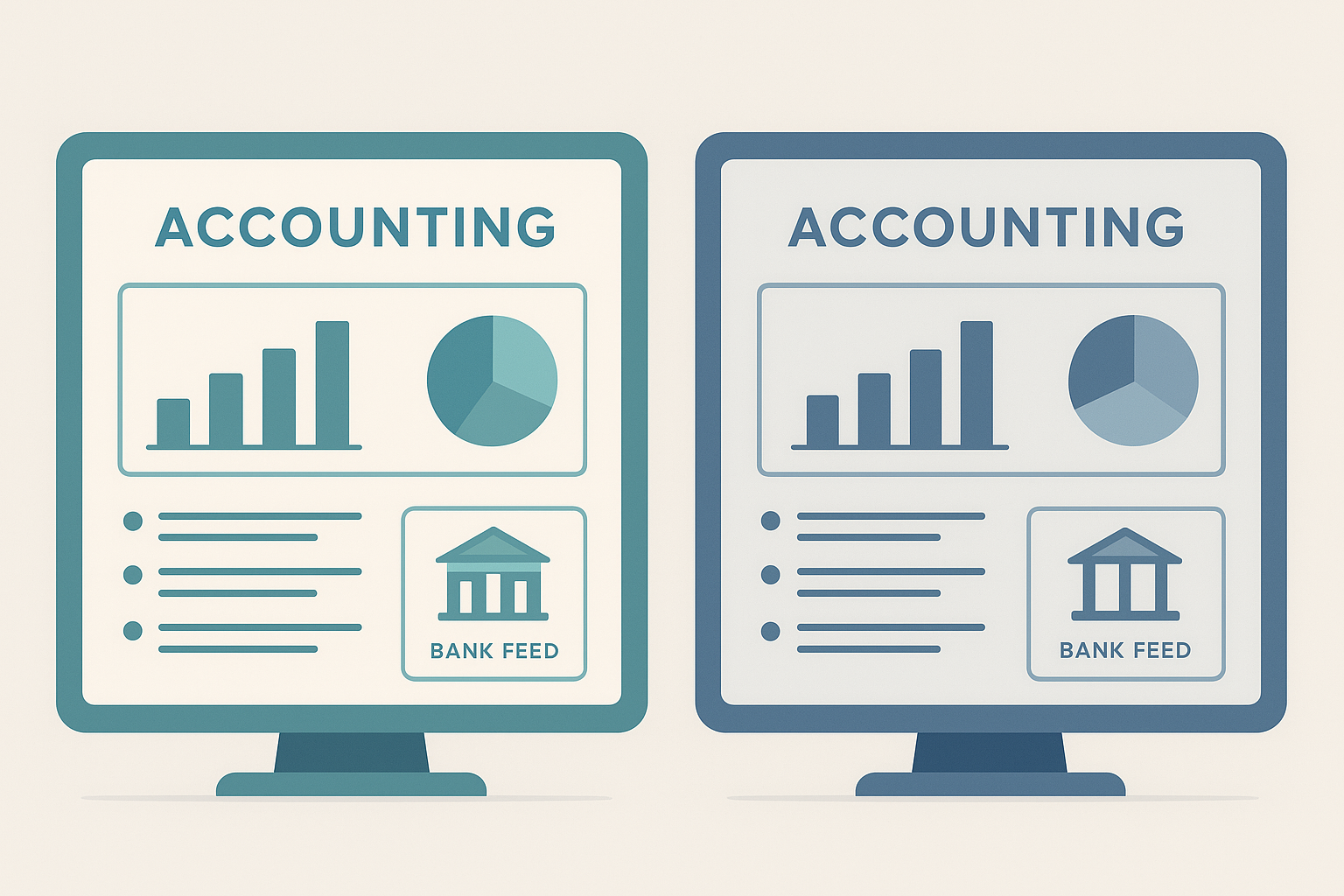
AccountingWise vs QuickBooks comes down to how many tools you need outside the core ledger.
AccountingWise vs QuickBooks: Pricing Compared
Pricing is usually the first thing business owners check, and the two platforms structure their tiers differently. AccountingWise offers three company tiers: Company Silver at $31.99 per month ($364.69 per year), Company Gold at $60 per month ($684 per year) with multi-location support, and Company Platinum at $90 per month ($972 per year), which adds a full payroll suite covering the first 10 employees. Meanwhile, accounting and tax firms get a completely free firm plan, including free staff accounts, and tax clients pay as little as $1 per month for a secure document and messaging portal.
| Plan | AccountingWise | Typical QuickBooks Equivalent |
|---|---|---|
| Entry business tier | $31.99/mo (Company Silver) | Simple Start, invoicing add-ons extra |
| Payroll included | Yes, on Company Platinum | Separate payroll add-on required |
| Firm/accountant portal | Free, unlimited client roll-ups | QuickBooks Online Accountant, limited client tools |
| Client document portal | $1/mo (Client plan) | Typically requires third-party app |
Therefore, businesses that need payroll, firm collaboration or client portals often end up paying for several QuickBooks add-ons, while AccountingWise keeps those capabilities inside its existing tiers.
Core Accounting Features Side by Side
Both platforms generate the reports a business needs at tax time, including a profit and loss statement, balance sheet, trial balance and cash flow statement. AccountingWise produces these on both a cash and accrual basis from one reconciled ledger, alongside bulk reclassify tools, 1099 contractor reports and financial ratios. QuickBooks offers similar statements, though some advanced reporting and ratio tools are reserved for its higher-priced tiers.
In addition, guided one-click entries for bills, distributions, loans and depreciation reduce the manual journal entry work that often intimidates new bookkeepers. According to the Internal Revenue Service, businesses are required to keep accurate records supporting income, deductions and credits claimed on a tax return, which makes a reliable double-entry system essential regardless of which platform you choose.
Bank Feeds and Transaction Categorization
Live bank connections matter because manual transaction entry is one of the biggest time drains in bookkeeping. AccountingWise connects accounts through Plaid, a widely used financial data network, and applies Smart Assign categorization that learns from corrections over time. Consequently, recurring vendors and customers get categorized automatically after the first few corrections.
QuickBooks also supports bank feeds and rule-based categorization, but its automation improves mainly through manually built rules rather than a learning system tied to the full ledger. As a result, AccountingWise users often spend less ongoing time cleaning up the same recurring transactions.

Automated categorization is one of the clearest gaps in any AccountingWise vs QuickBooks evaluation.
Invoicing and Getting Paid Online
Getting paid quickly keeps cash flow healthy, so invoicing tools matter as much as reporting. AccountingWise lets businesses send online invoices with card and ACH payment options, without requiring the client to create an account. Furthermore, businesses can see exactly when an invoice was opened, add retainers, and apply sales tax automatically on every invoice.
QuickBooks offers comparable invoicing and payment processing, though certain payment features and fee structures vary by plan. Similarly, both platforms post payments directly to the ledger once collected, which keeps the books current without manual re-entry.
Which Platform Serves Accounting and Tax Firms Better?
For firms managing multiple clients, the gap between the two platforms widens considerably. AccountingWise provides a free multi-client portal with isolated books per client, all-client roll-ups, role-based staff access, engagement letters with e-signatures, and a dedicated Taxes tab that shows every client's return status in one view. This design specifically addresses the practice management work that firms usually bolt on using separate software.
QuickBooks Online Accountant gives firms a client list and shared access to each company file, but it does not include built-in engagement letters, e-signatures or a consolidated return-status tracker. Consequently, many firms pair QuickBooks with two or three additional tools just to replicate what AccountingWise includes at no extra cost. If you are weighing options as a QuickBooks alternative built specifically for firms, this is typically the deciding factor.
How to Switch from QuickBooks to AccountingWise
Moving platforms sounds intimidating, but the migration process is designed to be quick. Here is the general sequence most businesses follow:
- Export your QuickBooks data, including the chart of accounts, contacts and journal history, as Excel files from QuickBooks Online.
- Create an AccountingWise account on a Company Silver, Gold or Platinum plan and select the import option during setup.
- Upload the exported files so AccountingWise can rebuild your chart of accounts, contacts and full journal history automatically.
- Review the imported ledger, and use the duplicate-safe one-click undo window if anything needs correcting before you confirm.
For a more detailed walkthrough, see the dedicated guide on how to switch from QuickBooks to AccountingWise, which covers edge cases like multi-currency accounts and historical adjustments.
AccountingWise vs QuickBooks: Which Should You Choose?
If your priority is a single login for books, banking, invoicing, payroll and a client-facing portal, AccountingWise generally wins the AccountingWise vs QuickBooks comparison on consolidation and firm-friendly pricing. On the other hand, a very small, single-owner business with no plans to add staff, firms or a storefront may still find a basic QuickBooks plan sufficient for simple needs.
Industry estimates have long placed QuickBooks among the most widely used small business accounting tools in the United States, which explains its brand familiarity. However, broad adoption does not always mean the deepest feature set for firms or multi-location businesses. Before deciding, review the full AccountingWise features and pricing guide and compare it against your current QuickBooks invoice history.
You can also browse a broader roundup of the best accounting software for small business in 2026 or read more about AccountingWise as a QuickBooks alternative before making a final call. Full plan details are also available on the AccountingWise product page.
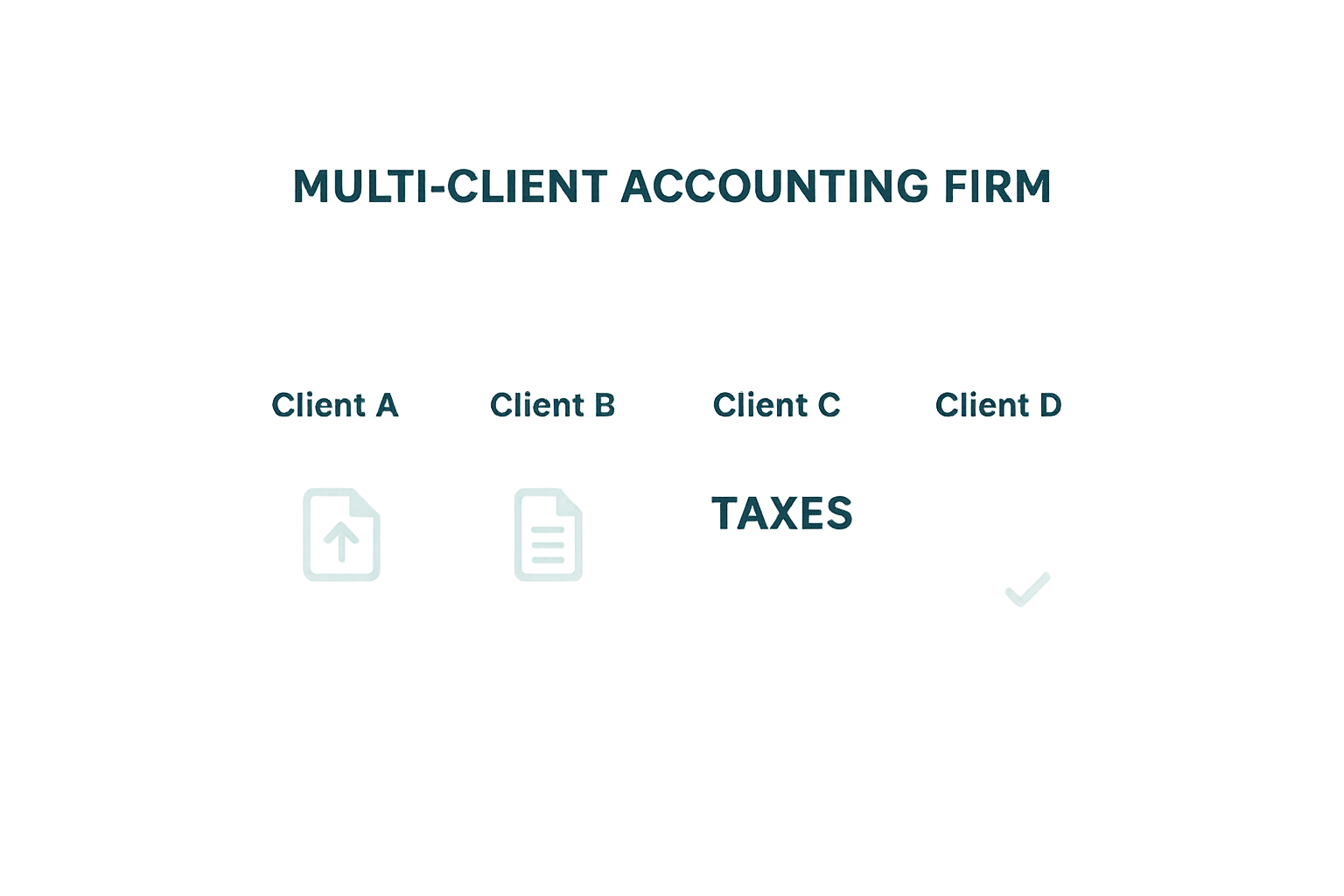
Firm portals are a major differentiator in any AccountingWise vs QuickBooks review.
Frequently Asked Questions About AccountingWise vs QuickBooks
What is the main difference between AccountingWise and QuickBooks?
AccountingWise combines accounting, invoicing, live banking, a client portal and an online storefront on one reconciled ledger. QuickBooks, in contrast, focuses mainly on bookkeeping and often requires add-ons for payments, practice management and client collaboration.
Is AccountingWise cheaper than QuickBooks?
AccountingWise's Company Silver plan starts at $31.99 per month, and firms get a completely free portal. QuickBooks plans plus common add-ons for payroll or advanced reporting can push monthly costs higher for comparable functionality.
Can I import my QuickBooks data into AccountingWise?
Yes. AccountingWise supports a one-click import from QuickBooks Online Excel exports, rebuilding your chart of accounts, contacts and full journal history in minutes with a duplicate-safe undo window.
Does AccountingWise offer live bank feeds like QuickBooks?
AccountingWise connects live bank feeds through Plaid and uses Smart Assign categorization that learns from your corrections. Journal entries then post automatically for invoices, payments, deposits and returns.
Which platform is better for accounting and tax firms?
AccountingWise gives firms a free multi-client portal with isolated books per client, staff roles, e-signature engagement letters and a Taxes tab tracking return status. This goes beyond standard QuickBooks accountant access.
How long does it take to switch from QuickBooks to AccountingWise?
Most businesses complete the core migration within a single sitting since the import tool rebuilds the ledger in minutes. Reviewing categorizations afterward may add another hour or two.
Does AccountingWise include payroll?
Yes, the Company Platinum plan at $90 per month includes a full payroll suite covering the first 10 employees, bundled into one subscription instead of a separate add-on.
What are common mistakes when comparing AccountingWise vs QuickBooks?
A common mistake is comparing only base subscription prices while ignoring add-on costs for payments, payroll or client portals. This can make QuickBooks look less expensive than it actually is in practice.
Can clients upload tax documents directly in AccountingWise?
Yes, the Client plan starting at $1 per month gives tax clients a secure portal to upload documents, track return status and message their accountant directly.
Does AccountingWise support multiple business locations?
Company Gold and higher plans include multi-location books with consolidated reporting, so businesses can track individual sites while still generating combined financial statements.
Can I sell products online through AccountingWise?
AccountingWise includes a built-in marketplace storefront for listing products and services, with every sale auto-posted to the books. This is a feature QuickBooks does not offer natively.
Is AccountingWise suitable for enterprise teams?
Enterprise teams can add unlimited workers with customizable, role-based permissions on AccountingWise. This supports growing organizations without the per-seat pricing jumps common with higher QuickBooks tiers.
Final Thoughts
In the end, the AccountingWise vs QuickBooks decision comes down to how much consolidation your business or firm actually needs. Small teams that want accounting, banking, invoicing, payroll and a storefront in one login tend to find more value in AccountingWise's tiered plans and free firm portal. Meanwhile, businesses with very simple, single-user bookkeeping needs may still get by on a basic QuickBooks plan. Either way, reviewing your current QuickBooks costs against AccountingWise's published pricing, as outlined at accountingwise.app, is the clearest way to see which platform actually saves time and money for your specific setup.