Accounting Wise Platform: Features, Pricing & Guide
Accounting wise is a phrase many business owners type into a search bar when they're really looking for AccountingWise, an all-in-one accounting and practice management platform that puts books, invoicing, live banking and tax tracking on one reconciled double-entry ledger (a system where every transaction is recorded in two accounts to keep the books balanced). Built by Out of It, Inc., the platform serves small businesses, accounting firms, enterprise teams and tax clients from a single login. As a result, there's no re-entry between departments, and everything is ready at tax time.
Quick answer: Accounting Wise is the common search term for AccountingWise, a SaaS platform that bundles double-entry bookkeeping, live Plaid bank feeds, invoicing, a free multi-client firm portal and a tax client portal into one system. It replaces the need to pay for separate tools for books, invoicing and client communication.
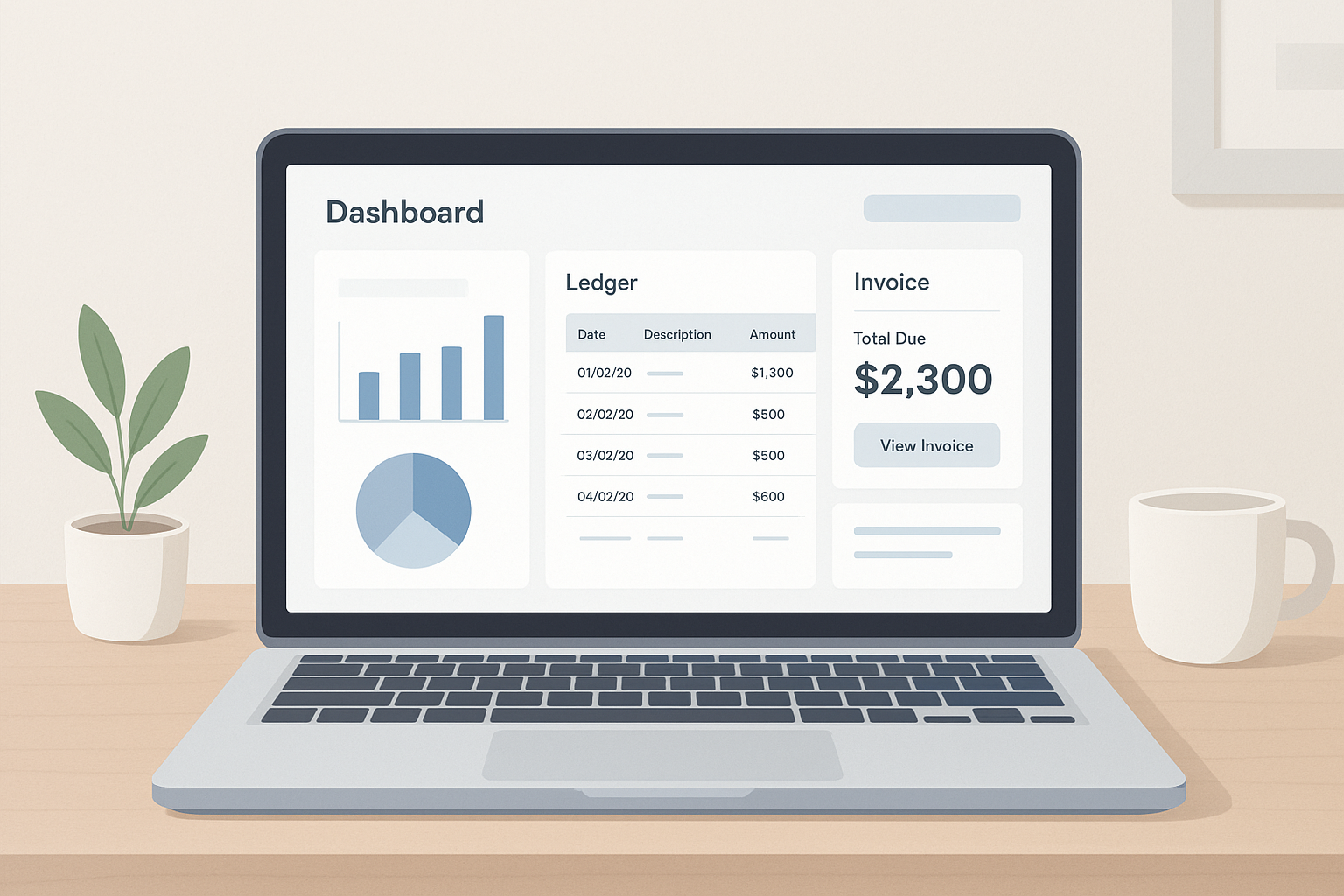
An accounting wise platform aims to keep books, invoicing and banking visible from one screen.
What Is Accounting Wise?
Accounting Wise, written as one word, is the brand name AccountingWise. In short, it is a cloud-based platform that runs small business bookkeeping, invoicing, bank reconciliation and tax-prep readiness through a single reconciled ledger instead of several disconnected apps.
Specifically, every sale, payment and deposit posts automatically to the books, so there's no manual syncing between a point-of-sale tool, a separate invoicing app and a spreadsheet. In addition, the platform extends beyond single businesses. It also gives accounting and tax firms a multi-client workspace, and it gives those clients a portal to track their own return status. For a closer look at the product itself, the product overview page walks through each module in more depth.
Key Features of the AccountingWise Platform
Because the platform is built around one ledger, features connect to each other rather than operating in isolation. For instance, an invoice paid by card doesn't just mark "paid" — it creates a journal entry that flows straight into the books.
- Double-entry books: cash and accrual Profit & Loss, Balance Sheet, Trial Balance and Cash Flow reports from one reconciled ledger.
- Live bank feeds: transactions sync via Plaid, and Smart Assign categorization learns from past entries to speed up coding.
- Invoicing and payments: card and ACH payments, retainers, sales tax and visibility into when an invoice was opened.
- Firm tools: isolated client books, all-client roll-ups, a Taxes tab for return status, and engagement letters with e-signatures.
- Marketplace: a storefront for selling products and services, with sales auto-posted to the books.

Invoicing, payments and bank feeds stay connected so small business owners aren't re-entering data.
Who Benefits from an All-in-One Accounting Platform?
Not every business needs the same combination of tools, which is exactly why the platform is organized around four distinct groups. As a result, each group gets a dashboard shaped around how it actually works.
Small Business Owners
For owners moving off spreadsheets or paying for several QuickBooks add-ons, Company Silver, Gold and Platinum plans combine double-entry books, live bank feeds and invoicing. Furthermore, the small business plans page details what each tier includes, including budgeting tools and financial ratios.
Accounting and Tax Firms
Firms get a free multi-client portal with isolated books per client, staff roles and all-client roll-ups. Likewise, engagement letters with e-signatures and a Taxes tab showing every client's return status keep practice management and bookkeeping under one login.
Enterprise Teams and Tax Clients
Enterprise teams can add unlimited workers with customizable, role-based permissions across multiple locations. Meanwhile, tax clients get a secure portal, starting at $1 per month, to upload documents, track return status and message their accountant directly. The tax client portal page explains how that process works end to end.
Accounting Wise Pricing and Plans
Pricing is tiered by user type rather than a single flat rate, which keeps costs aligned with how much of the platform a given account actually needs.
| Plan | Monthly | Notes |
|---|---|---|
| Company Silver | $31.99 | Core books, invoicing, bank feeds |
| Company Gold | $60 | Adds multi-location reporting |
| Company Platinum | $90 | Includes payroll (first 10 employees) |
| Accounting & Tax Firm | Free | Multi-client portal and staff roles |
| Client Portal | $1 | Document uploads, return status, messaging |
Annual billing is also available, including an $11 per year Client Portal Annual option. Overall, businesses can upgrade at any time as their needs grow, and the 2026 accounting software comparison places these tiers next to other popular tools.
How to Move Your Books from QuickBooks to AccountingWise
Switching platforms sounds daunting, but the migration path is intentionally short. Below is the general process most businesses follow.
- Export QuickBooks data. Pull the chart of accounts, contact lists and full journal history as Excel exports from QuickBooks Online before starting setup.
- Upload the files. Drop those exports into the one-click import tool inside a new AccountingWise company account to rebuild the ledger.
- Review the import. Check categories and contacts, since the duplicate-safe process flags repeats for a quick manual confirmation.
- Confirm or undo. Approve the import once it matches your prior books, or use the one-click undo window if something needs adjusting first.
According to the IRS recordkeeping guidance, businesses should retain supporting documents for income and expenses, which makes a clean, complete journal history during migration especially important at tax time.
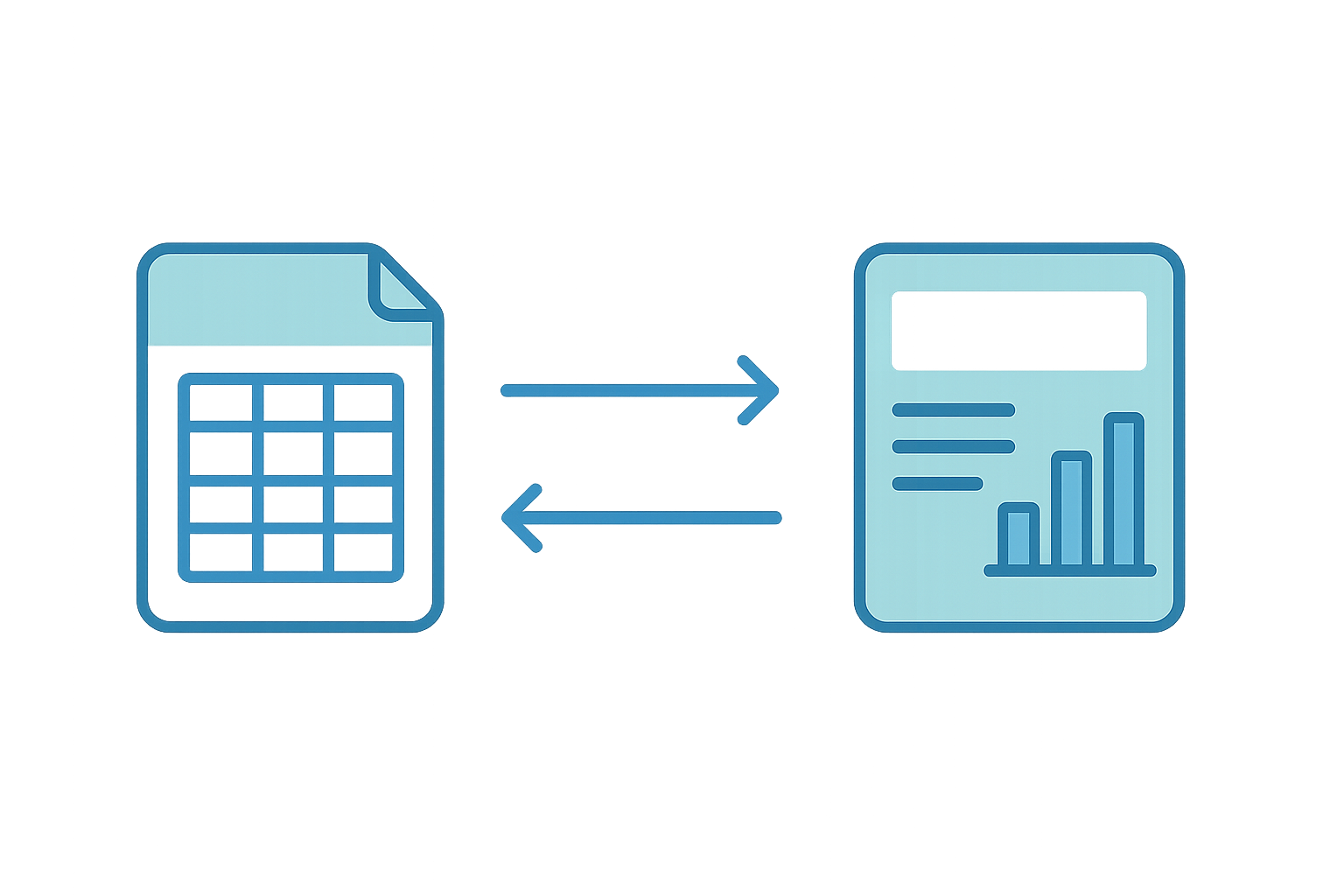
Moving a chart of accounts and journal history is the core of any accounting wise migration.
All-in-One Platform vs Traditional Bookkeeping Software
Traditional setups often rely on separate apps for invoicing, payroll and client communication, stitched together with manual exports. By contrast, a single reconciled ledger means a payment recorded in one module is already reflected everywhere else.
This matters more than it might seem. A 2021 QuickBooks small business survey found many owners spend several hours a month reconciling data between disconnected tools, time that largely disappears when invoicing, banking and the ledger share the same system. Double-entry bookkeeping itself is a centuries-old method, documented in detail on Wikipedia's overview of double-entry bookkeeping, and the principle hasn't changed even as the software running it has.
Frequently Asked Questions
What is Accounting Wise?
Accounting Wise refers to AccountingWise, an all-in-one accounting and practice management platform combining books, invoicing, live banking and tax tracking on one reconciled ledger. It serves small businesses, accounting firms, enterprise teams and tax clients.
How does Accounting Wise handle bank transactions?
It connects live bank feeds through Plaid and applies Smart Assign categorization, which learns from past entries. Transactions post automatically to the right accounts, cutting down manual data entry.
How much does Accounting Wise cost?
Company Silver starts at $31.99 per month, Company Gold at $60, and Company Platinum at $90 with payroll included. Firm plans are free, and client portal access starts at $1 per month.
Is Accounting Wise free for accounting firms?
Yes. The Accounting and Tax Firm plan and the Staff Account plan are both free, giving firms a multi-client portal with isolated books per client at no monthly cost.
How long does it take to switch from QuickBooks to AccountingWise?
Most businesses complete the chart of accounts, contacts and journal history import in minutes using a QuickBooks Online Excel export. A one-click undo window allows reversing the import if needed.
What is the difference between Accounting Wise and QuickBooks?
QuickBooks often requires separate add-ons for invoicing, payroll and client portals. AccountingWise bundles those functions plus a marketplace storefront on one ledger, and firms get a free multi-client portal.
Can tax clients use the portal without hiring a new accountant?
Yes. Tax clients can use the Client portal to upload documents, track return status and message their existing accountant for $1 per month. Client Plus adds personal transactions and reports.
What common mistakes happen when switching accounting platforms?
A frequent mistake is migrating data without reviewing the chart of accounts, which can create duplicate categories. Another is delaying bank feed setup, which forces unnecessary manual entry after the switch.
What is Smart Assign categorization?
Smart Assign is the categorization engine that learns from prior bookkeeping decisions and applies them to new bank transactions. Over time, it reduces the manual review needed to keep books accurate.
Does the platform support multi-location businesses?
Yes, Company Gold and higher tiers include multi-location support with consolidated reporting. Owners can view combined financials while still tracking performance by individual site.
What best practices help small businesses get the most from the platform?
Connect live bank feeds right after setup so Smart Assign can start learning categorization patterns quickly. It also helps to reconcile monthly instead of waiting until tax season.
Does Accounting Wise include payroll?
Payroll is included on the Company Platinum plan, covering a full payroll suite for the first 10 employees. Lower tiers focus on books, invoicing and bank feeds without payroll.
Can a business sell products online through the platform?
Yes, the built-in marketplace lets companies list products and services for sale online, and revenue from marketplace sales posts automatically to the books.
Is the platform suitable for enterprise teams?
Enterprise teams can add unlimited workers and set customizable, role-based permissions across multiple locations, which makes it workable for larger staff structures beyond single-owner businesses.
Final Thoughts
In the end, accounting wise is best understood as shorthand for AccountingWise's approach: one reconciled ledger instead of several disconnected tools. Small business owners get double-entry books, live bank feeds and invoicing in one place, while firms get a free multi-client portal with return tracking built in. Tax clients, meanwhile, get a simple portal to upload documents and message their accountant directly.
Whether the goal is leaving spreadsheets behind, cutting QuickBooks add-on costs, or giving a firm's staff and clients one shared system, the plans summarized above are a reasonable starting point. For a full breakdown of every tier and feature, visit AccountingWise directly before creating an account.
Feature availability varies by plan tier. See the pricing page for current plans and details. Content is for general information and is not tax, legal or accounting advice; consult a qualified professional for your situation.